Tag: After Effects
-
Tip of the Week
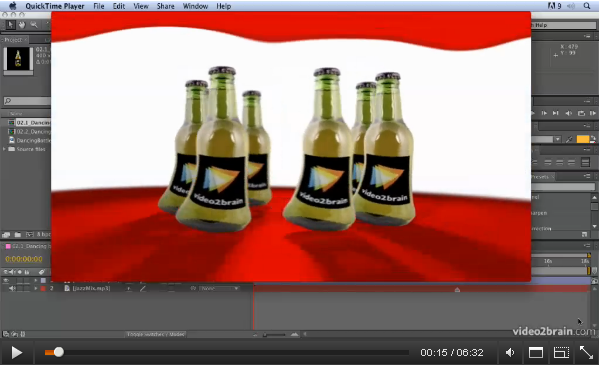
Animating Characters with the Puppet Tool from: Adobe After Effects CS5: Learn by Video. Welcome to this week’s Tip of the Week feature in a brand new video format. After Effects has great tools for character animation called the Puppet tool. The Puppet Pin tool places a mesh over your footage using the alpha channel.…
-

After Effects Light Wipe Tutorial
There was a a question today on Creative Cow about how to create a light wipe effect in After Effects. I wanted to help so I decided to put together a quick After Effects Light Wipe tutorial. This tutorial includes an After Effects project and an eight-minute video tutorial where I explain techniques used.
-
Typography Video Training
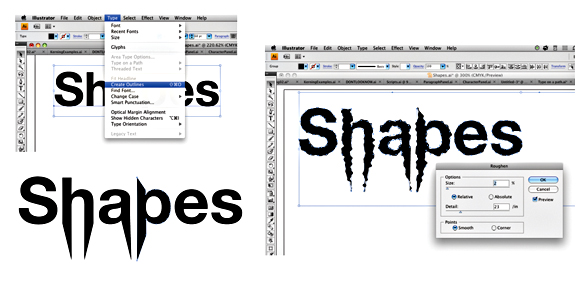
Creative Graphic Design: Essential Typography is a workshop on the principles of designing with text. I’ve just finished recording my latest typography video training workshop with the fantastic team at video2brain. It’s a workshop with a difference. If you want the salient points delivered to you quickly so you can get on with your work.…
-
Post Production Magic
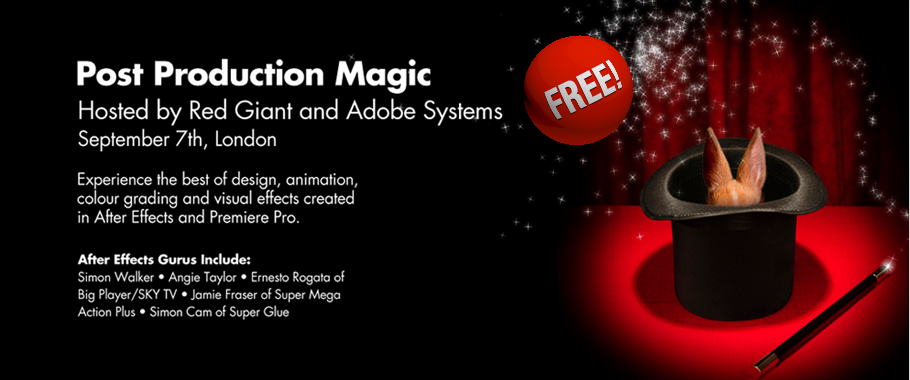
Join Red Giant for an evening of inspiration I’ll be speaking at Red Giant’s FREE Post Production magic event in September. Here’s the blurb! Event Registration is available now on the Adobe website. When a group of amazing animators get hold of a projection system, you’re either going to get an evening of inspiration or a…
-

Free After Effects & Premiere Pro Performance Workshop
I’m excited to be able to offer a free top-up course on my website to all my lovely visitors. In this free course, Adobe Technical Support Lead Todd Kopriva offers dozens of tips for optimizing Premiere Pro, After Effects, your operating system, your computer, and your workflow for maximum speed and performance. He makes recommendations…
-
20% off new Todd Kopriva After Effects workshop
This week I’m giving a 20% discount to anyone who wants to buy the fantastic new workshop on Motion Tracking & Stabilisation by Todd Kopriva which is now available to buy from my video training store. Just enter MOTION into the Coupon Code box when buying from my shop. It’s valid till July 15th 2011.…
-
NAB 2011 Report
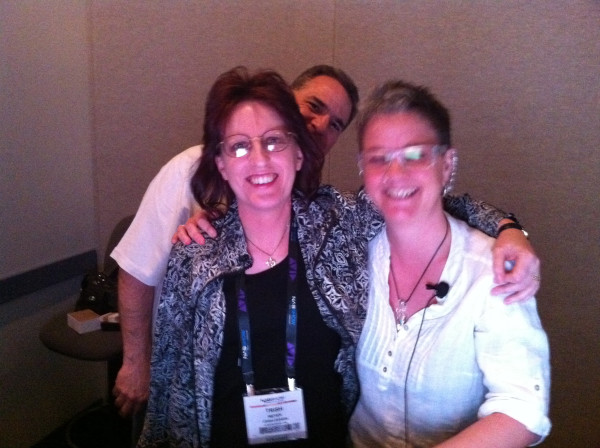
Well, here I am, back in the UK after an exhausting trip to Las Vegas to attend NAB 2011. I was speaking at the Post Production World Conference which I’m pleased to say was busier than ever. My sessions were very well attended and I met some great new people who gave me the…
-

Premiere Pro – real-time for After Effects?
Premiere Pro – real-time for After Effects – Quite a question!Well this week I hope to answer it.
-
Uprezzing Comps
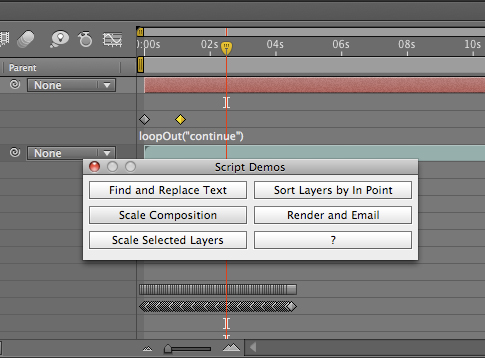
A question appeared on the Video Copilot website today about uprezzing old projects which can be a bit of a nightmare in AE. You can often find that layers positions get messed up and effects change appearance when you scale your comp. Some of the issues that you’ll come across are hard to avoid but…
-
Animating a line drawn on a map – Indiana Jones Style
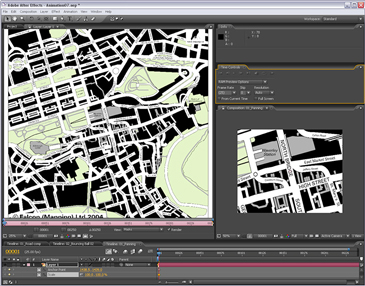
I contribute to the Creative Cow Basic After Effects forum (amongst others) where this question was posted recently; “Hi I am newish to after effects and I have created a old map effect that pans from the UK to africa now I want to add a red line that reveals like in the Indiana Jones…
-
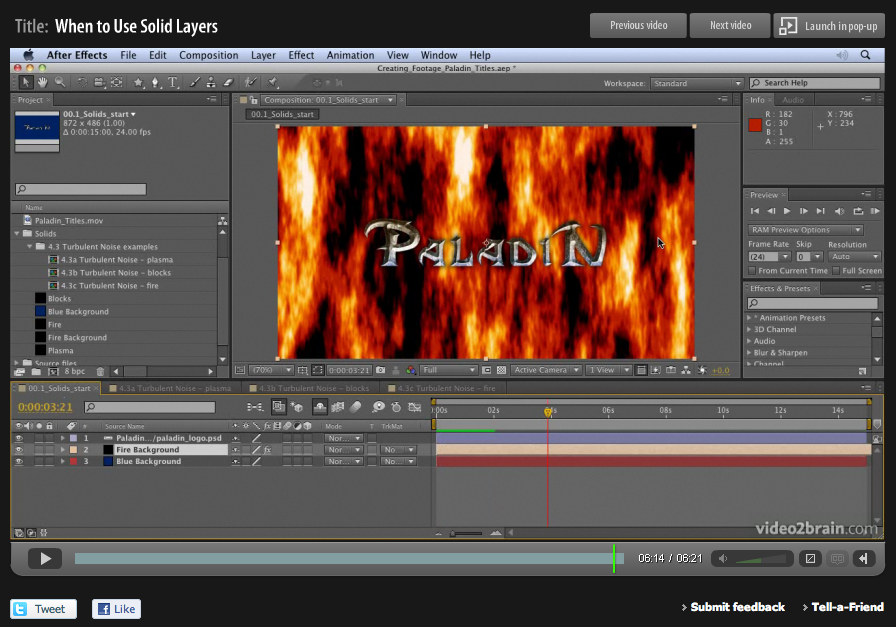
Basics on Solids in Adobe After Effects
When designing motion graphics in Adobe After Effects there are times you just need to create a plain old layer to apply effects to. Solids are just right for this purpose, and for lots of other uses in After Effects. This video is aimed at a basic level. It shows you how to create solid-color layers…
-
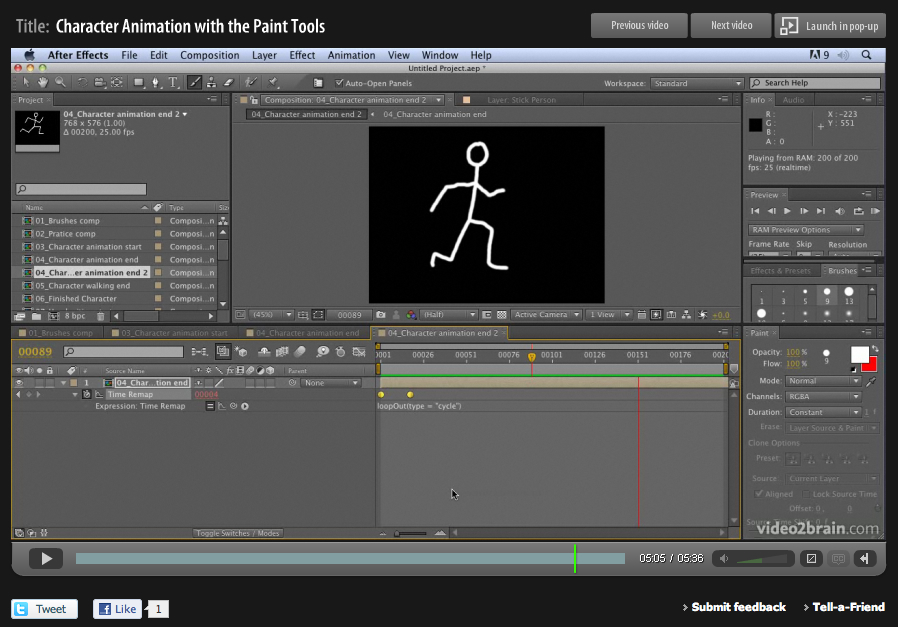
Hand-drawn animation with After Effects Paint tools
Week four of 2011 brings my fourth FREE Giveaway Tutorial. This tutorial comes from my Adobe After Effects CS5 Learn by Video DVD from video2brain. The paint tools in After Effects are usually used for cloning or filling in mattes, but they can also be used to create stop-motion-style animation. In this movie you’ll see how…