Tag: animation
-
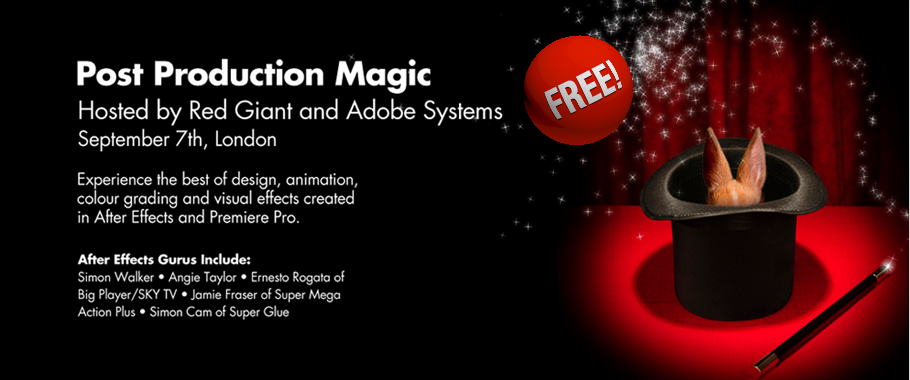
Post Production Magic
Join Red Giant for an evening of inspiration I’ll be speaking at Red Giant’s FREE Post Production magic event in September. Here’s the blurb! Event Registration is available now on the Adobe website. When a group of amazing animators get hold of a projection system, you’re either going to get an evening of inspiration or a…
-
Free After Effects & Premiere Pro Performance Workshop
I’m excited to be able to offer a free top-up course on my website to all my lovely visitors. In this free course, Adobe Technical Support Lead Todd Kopriva offers dozens of tips for optimizing Premiere Pro, After Effects, your operating system, your computer, and your workflow for maximum speed and performance. He makes recommendations…
-

12 rules of animation
Digital Arts has featured – 12 Rules of Animation – an excerpt from my “Design Essentials for the Motion Media Artist” as their feature article this month. The article is now FREELY AVAILABLE on the Digital Arts website. Animation as we know it has been around since Horner invented the zoetrope in 1834. Since then animators…
-
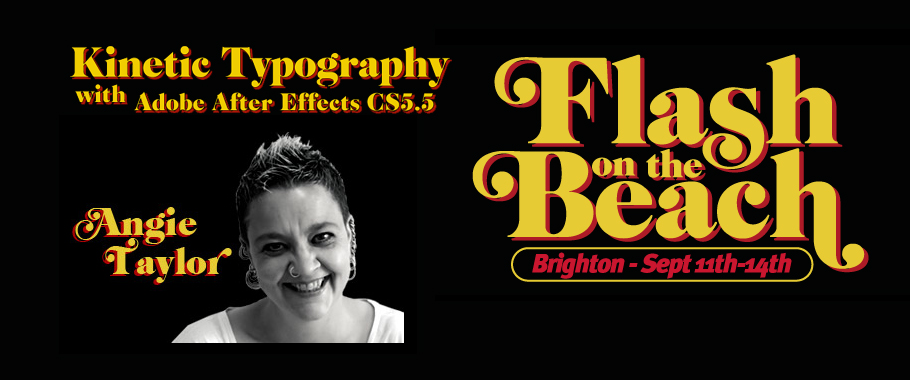
Speaking at Flash on the Beach 2011
I was very pleased to get a call from John Davey, the organiser of the amazingly successful and entertaining “Flash on the Beach 2011” conference, asking me to speak at his event. It’s an annual conference, held in my home town of Brighton. Bringing together the best designers, developers and minds in the Flash, design…
-
Understanding Axis Modes
After Effects can be a difficult application to learn simply because it offers you so may options. Many of these options are not immediately apparent to users so they muddle through using default settings when a better solution may be available to them. My job is to point you in the direction of these hidden…
-
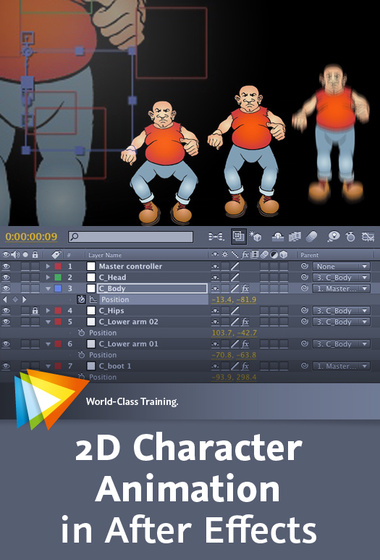
A busy After Effects week
Tweet Wow, what a busy week. I’ve just finished the first day of Broadcast Video Expo 2011 where I’ve been presenting After Effects and the Production Premium workflow on the Adobe booth. It’s been great being back with the Adobe UK team again and seeing lots of friendly faces. I’ve also got a brand new…
-

Premiere Pro – real-time for After Effects?
Premiere Pro – real-time for After Effects – Quite a question!Well this week I hope to answer it.
-
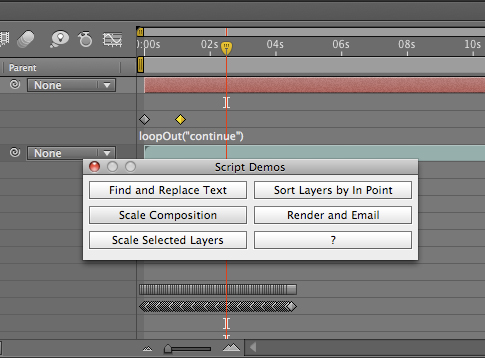
Uprezzing Comps
A question appeared on the Video Copilot website today about uprezzing old projects which can be a bit of a nightmare in AE. You can often find that layers positions get messed up and effects change appearance when you scale your comp. Some of the issues that you’ll come across are hard to avoid but…
-
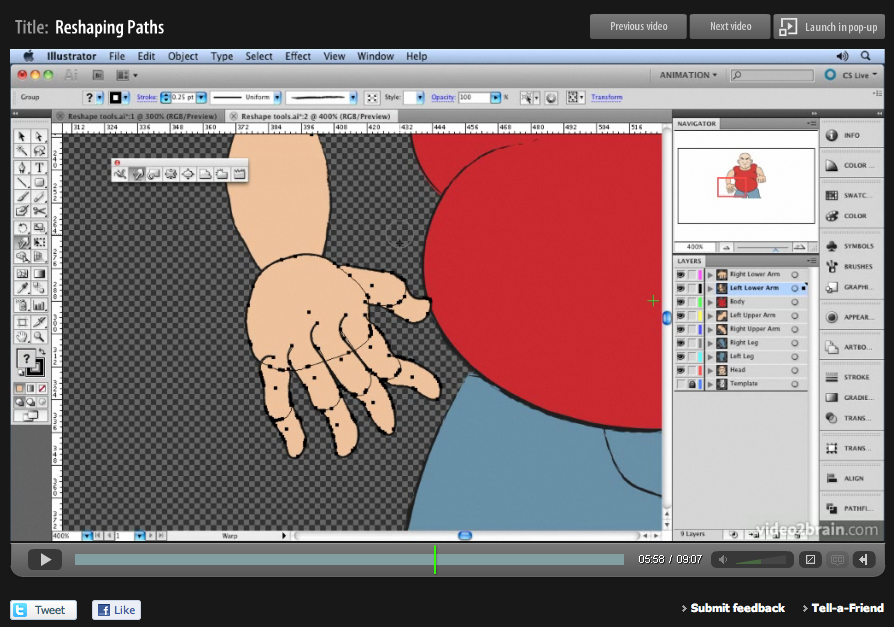
‘Sculpting’ paths in Adobe Illustrator
Here’s another free tutorial from my first venture into making video tutorials for Adobe Illustrator. My tutorials are probably what you’d call non-standard! I’m not going to teach you how to ‘the cool look’ that we’ve all seen a million times before, that doesn’t really interest me, and there are plenty of other websites that…
-
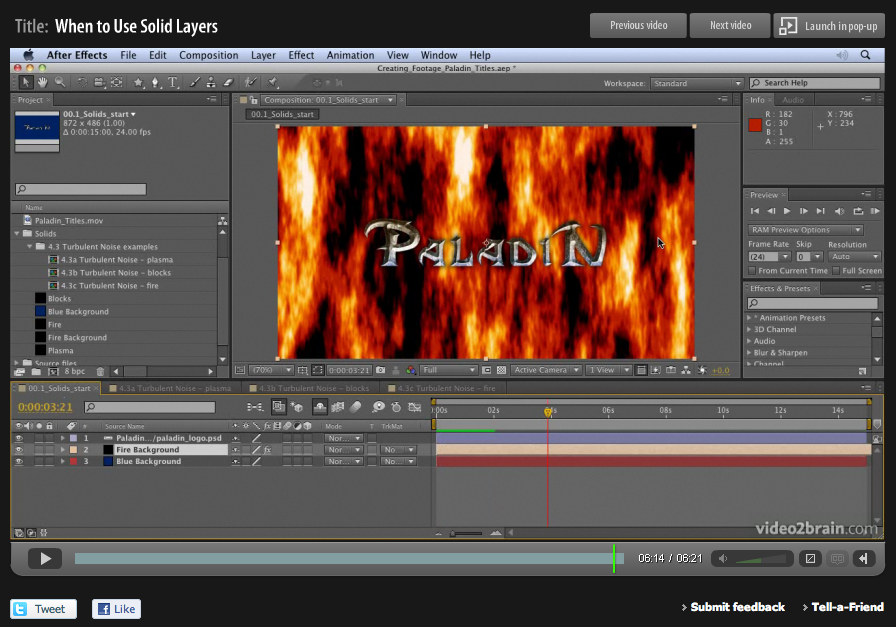
Basics on Solids in Adobe After Effects
When designing motion graphics in Adobe After Effects there are times you just need to create a plain old layer to apply effects to. Solids are just right for this purpose, and for lots of other uses in After Effects. This video is aimed at a basic level. It shows you how to create solid-color layers…
-
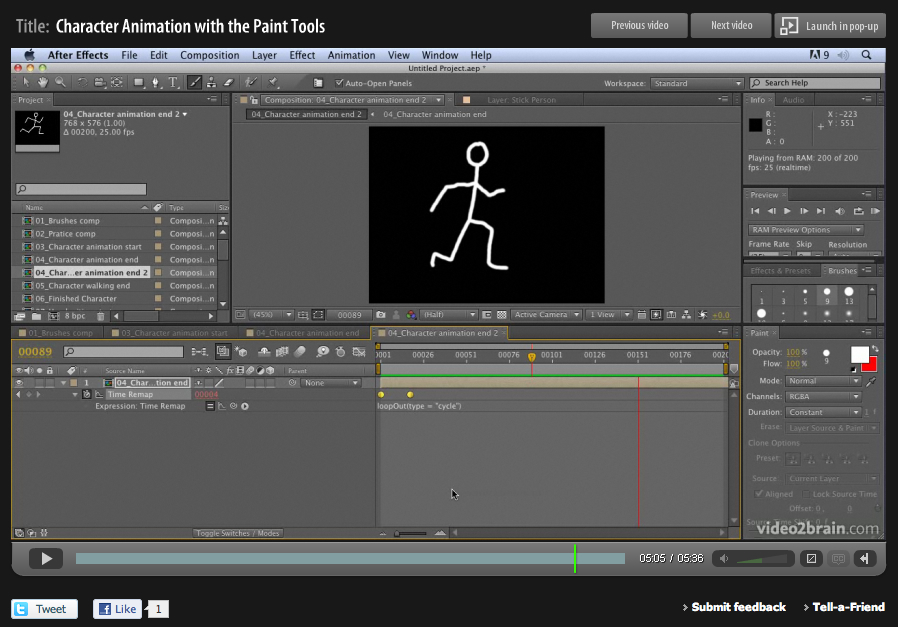
Hand-drawn animation with After Effects Paint tools
Week four of 2011 brings my fourth FREE Giveaway Tutorial. This tutorial comes from my Adobe After Effects CS5 Learn by Video DVD from video2brain. The paint tools in After Effects are usually used for cloning or filling in mattes, but they can also be used to create stop-motion-style animation. In this movie you’ll see how…
-
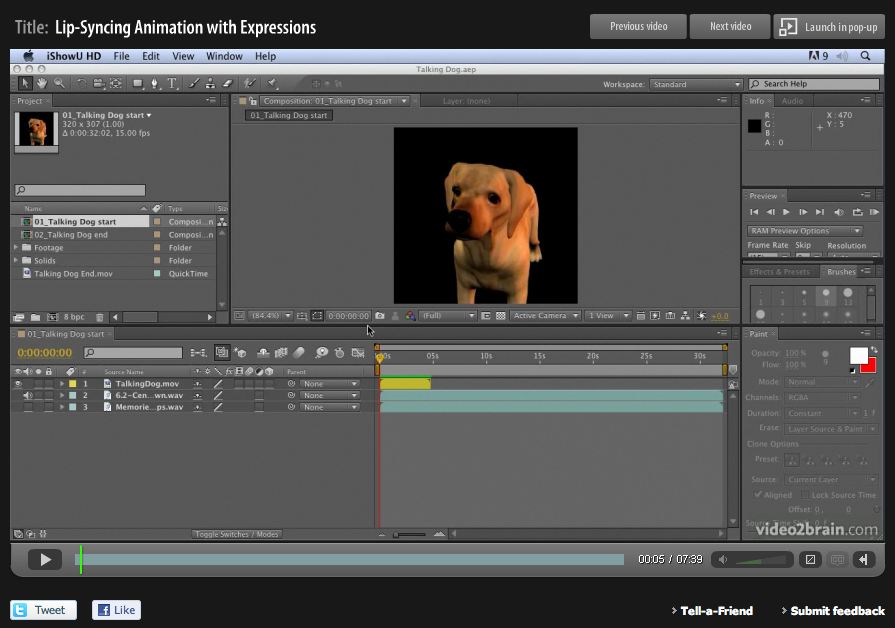
Lip Sync in After Effects
Lip-syncing is something that all animators will be asked to do at some point in their career. The following technique automates the process of lip sync in After Effects and uses only built-in features of Adobe After Effects – no extra software is required! This video tutorial is an updated version for Adobe CS5. Tutorial…