Tag: angie Taylor
-
Understanding Axis Modes
After Effects can be a difficult application to learn simply because it offers you so may options. Many of these options are not immediately apparent to users so they muddle through using default settings when a better solution may be available to them. My job is to point you in the direction of these hidden…
-
A busy After Effects week
Tweet Wow, what a busy week. I’ve just finished the first day of Broadcast Video Expo 2011 where I’ve been presenting After Effects and the Production Premium workflow on the Adobe booth. It’s been great being back with the Adobe UK team again and seeing lots of friendly faces. I’ve also got a brand new…
-

Premiere Pro – real-time for After Effects?
Premiere Pro – real-time for After Effects – Quite a question!Well this week I hope to answer it.
-
Uprezzing Comps
A question appeared on the Video Copilot website today about uprezzing old projects which can be a bit of a nightmare in AE. You can often find that layers positions get messed up and effects change appearance when you scale your comp. Some of the issues that you’ll come across are hard to avoid but…
-
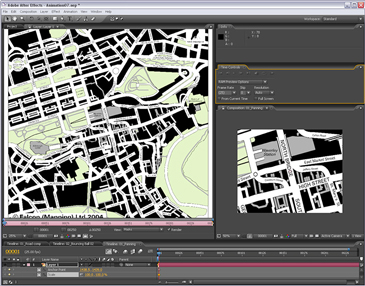
Animating a line drawn on a map – Indiana Jones Style
I contribute to the Creative Cow Basic After Effects forum (amongst others) where this question was posted recently; “Hi I am newish to after effects and I have created a old map effect that pans from the UK to africa now I want to add a red line that reveals like in the Indiana Jones…
-
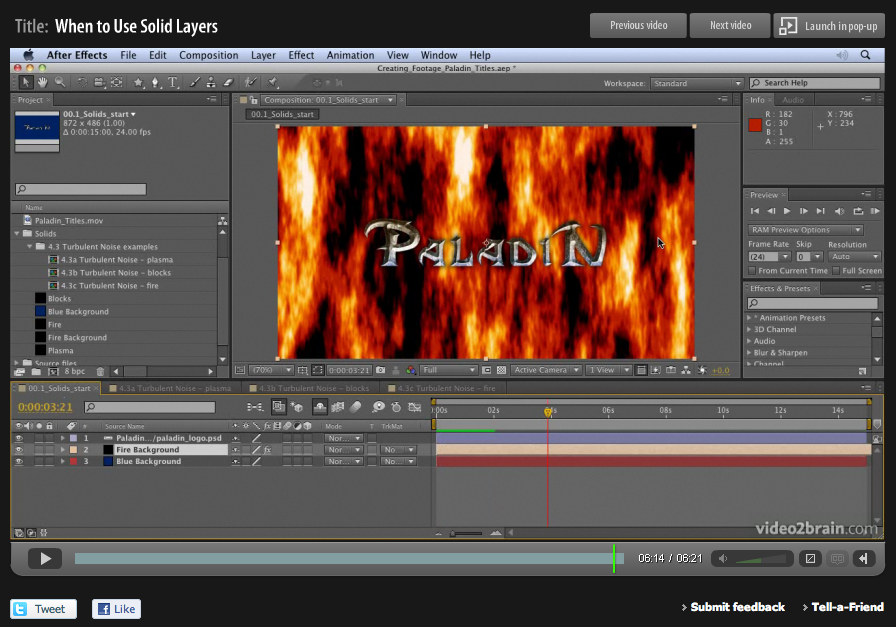
Basics on Solids in Adobe After Effects
When designing motion graphics in Adobe After Effects there are times you just need to create a plain old layer to apply effects to. Solids are just right for this purpose, and for lots of other uses in After Effects. This video is aimed at a basic level. It shows you how to create solid-color layers…
-
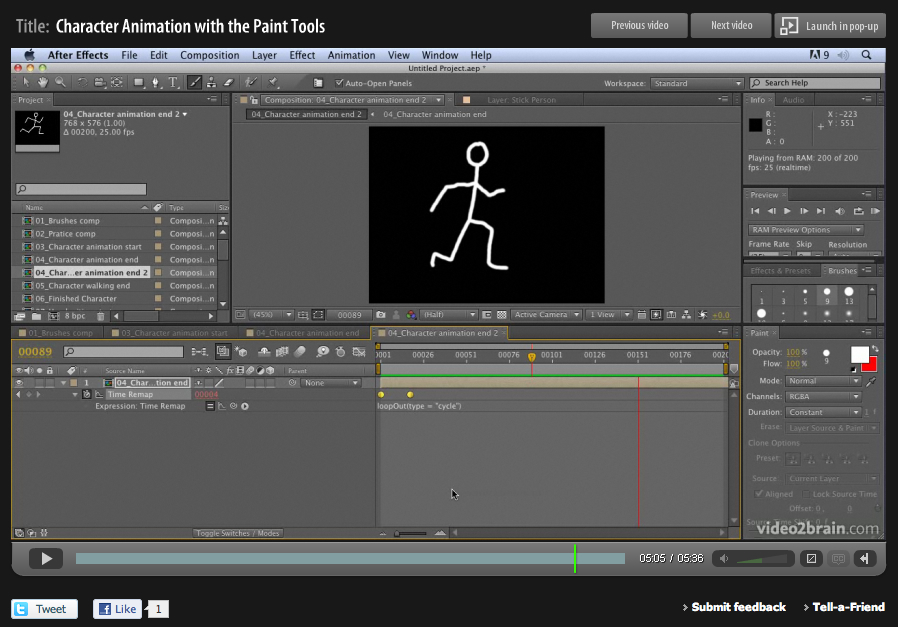
Hand-drawn animation with After Effects Paint tools
Week four of 2011 brings my fourth FREE Giveaway Tutorial. This tutorial comes from my Adobe After Effects CS5 Learn by Video DVD from video2brain. The paint tools in After Effects are usually used for cloning or filling in mattes, but they can also be used to create stop-motion-style animation. In this movie you’ll see how…
-
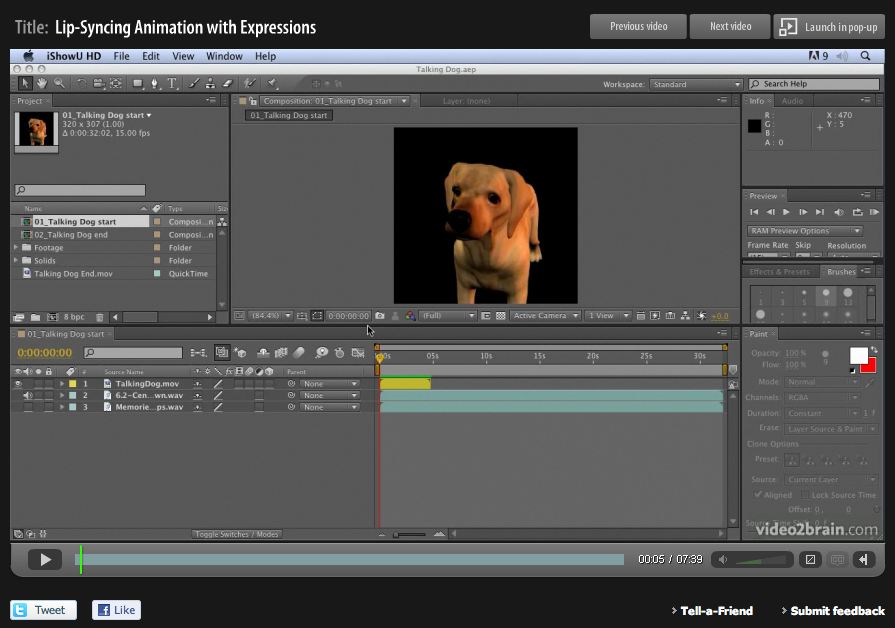
Lip Sync in After Effects
Lip-syncing is something that all animators will be asked to do at some point in their career. The following technique automates the process of lip sync in After Effects and uses only built-in features of Adobe After Effects – no extra software is required! This video tutorial is an updated version for Adobe CS5. Tutorial…
-
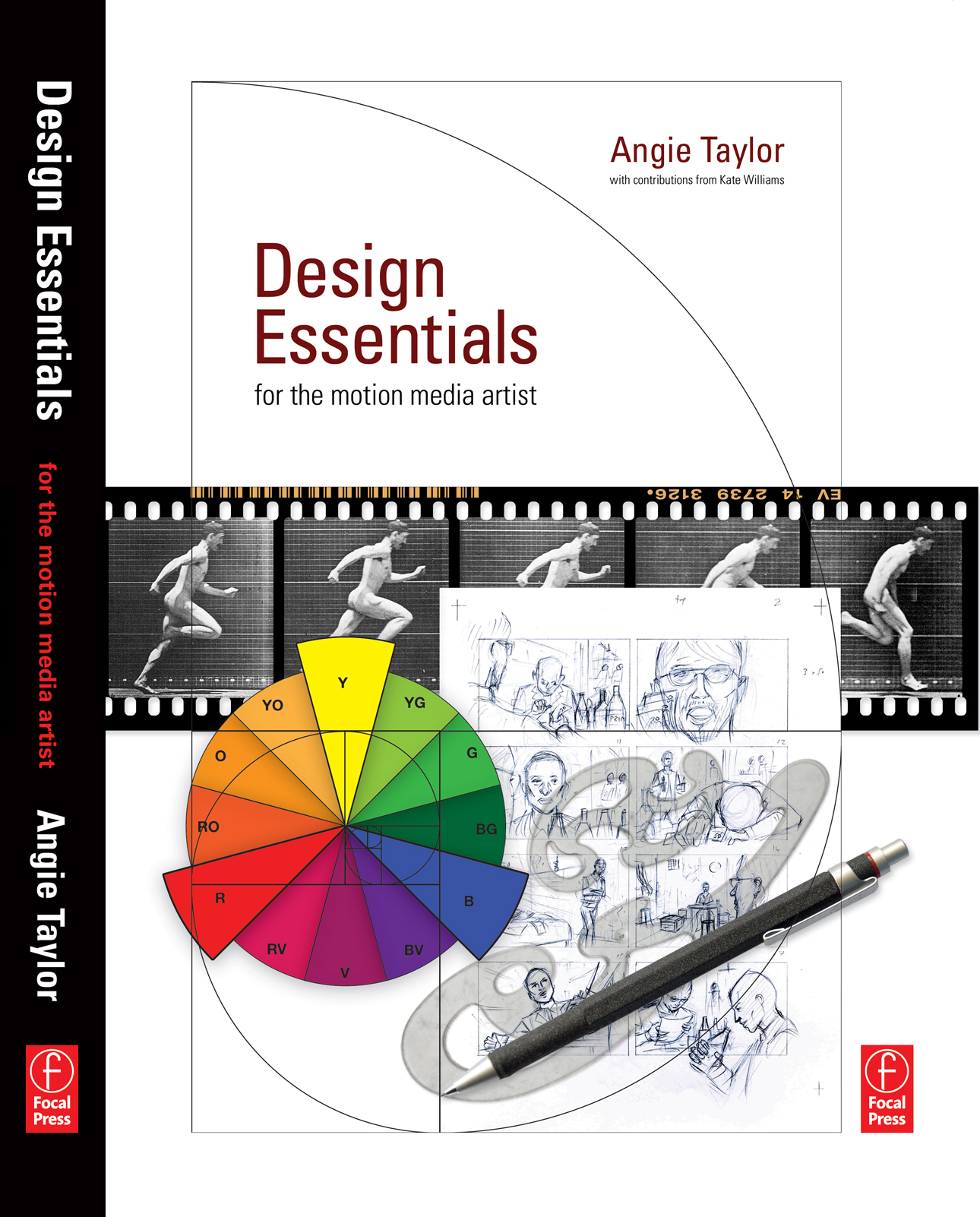
Reviews for Design Essentials for the Motion Media Artist
5.0 out of 5 stars on Amazon Design Essentials for the Motion Media Artist: A Practical Guide to Principles & Techniques, By m franks – See all my reviews I found this to be a really great book and is suitable for anyone who works or has an interest in motion graphics or animation. It…
-
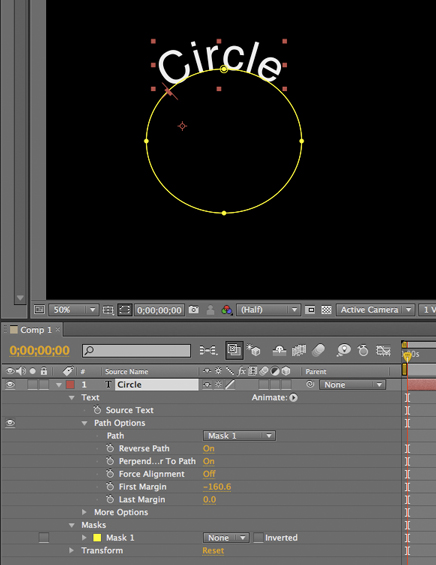
Tip: Wrapping text around a circle in After Effects
I saw a post on the After Effects mailing list today asking how to wrap text around a circle in After Effects. Here’s how it’s done; 1) Create a text layer with the text you want. 2) Select the layer and then, with the Ellipse tool, draw a circular Mask on the Text layer. 3)…
-
Creating a Cityscape in 3D
I want to share an example of one of my tutorials that I’m very proud to say inspired a great piece of work, “Black Day to Freedom” by the amazing Rob Chiu. I met Rob after watching a very inspiring talk he gave at the Flash on the Beach conference a few years back. I…
-
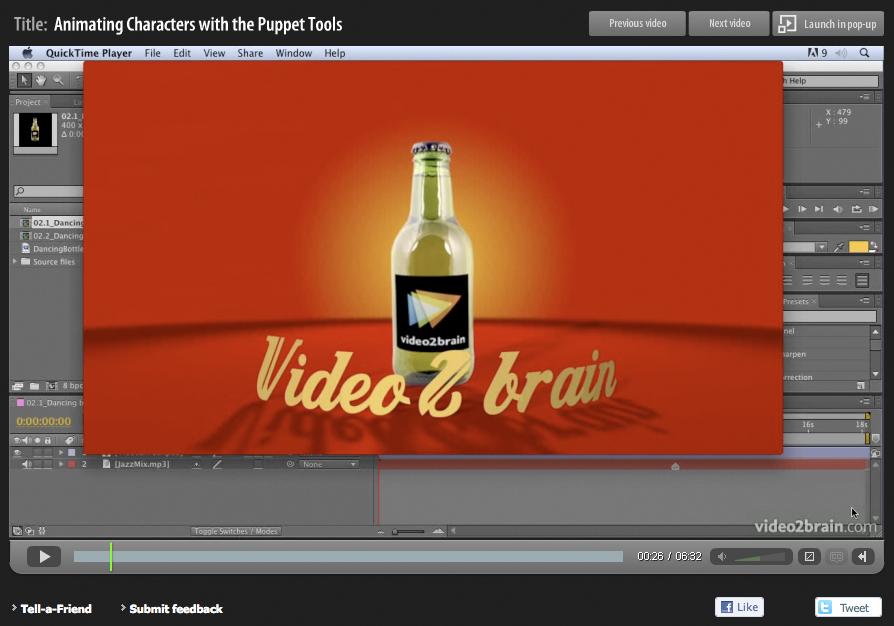
A free tutorial gift for the holidays
Well, another year comes to an end and the holidays are about to begin. What better way to spend your time off than sitting back comfortably and allowing me to entertain you with some of my latest After Effects CS5 tutorials? Here’s a free tutorial movie for you, taken from the “Jumpstarts” section of the…