Tag: angie Taylor
-

Life’s a Beach
“I grew up on the North East coast of Scotland, overlooking the Moray Firth. My family has lived there for generations—I can trace them back to Pennan, the village made famous by Local Hero, in the 1700s. My 4th great-grandfather was John Milne of Glenlivat. Born a shoemaker, he abandoned his trade to become a wandering poet.…
-
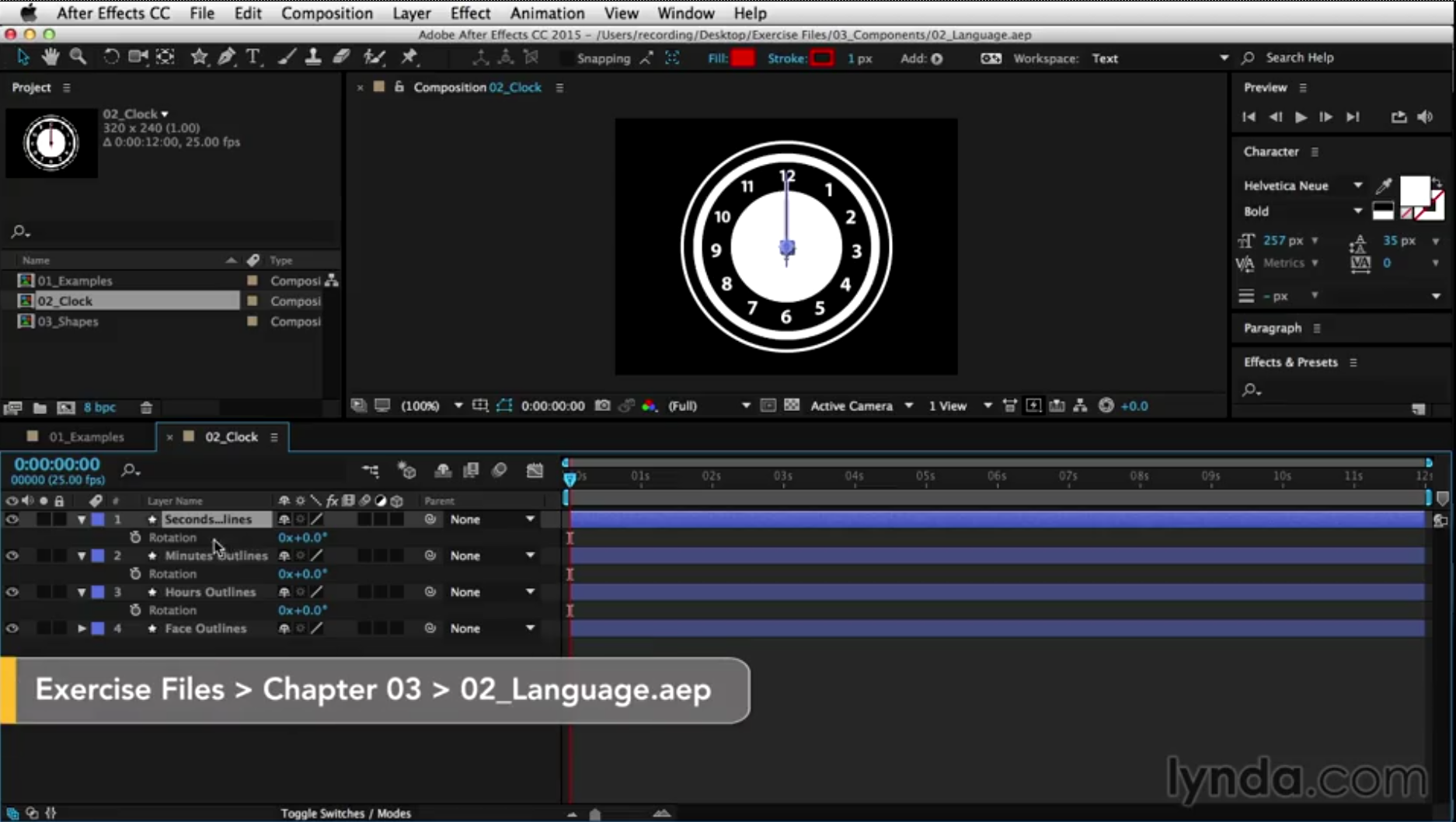
Expression language tutorial
Expression language tutorial – taught by Angie Taylor as part of the After Effects Expressions for Premiere Pro Editors
-
3D fire in After Effects
Creating 3D fire in After Effects If your budget doesn’t stretch to pricey plug-in filters you can use the native effects to create fantastic 3D fire in After Effects. Read my article in Digital Arts about how to achieve this. The tutorial features a step-by-step guide that’s easy to follow. After Effects includes built-in particle filters you can…
-
After Effects World Conference
After Effects World Conference will also bring attendees into the heart of the Adobe brain trust. On Friday, all of our speakers and attendees will depart the hotel to spend the day at the Adobe offices! Once there, attendees will be treated to panel discussions, a mini expo, workshops with the founders and designers of…
-
After Effects Twitter Tips
After Effects Twitter Tips from Angie Taylor’s archive. Learn all sorts of useful tips and tricks in bite sized portions from an industry expert.
-
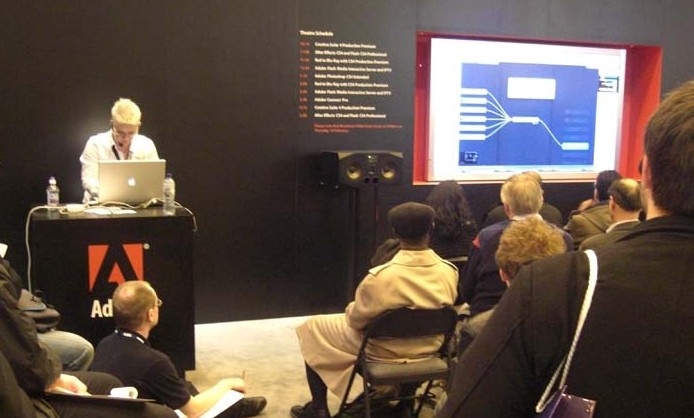
After Effects and Cinema 4D
I’ll be presenting After Effects and Cinema 4D in the Adobe Theater at Broadcast Video Expo 2013 in London between the 26th and 28th of February. Here are links to some of my Tutorials that cover working with After Effects and Cinema 4D. I’ll be expanding on these at the event. Once again Adobe will…
-
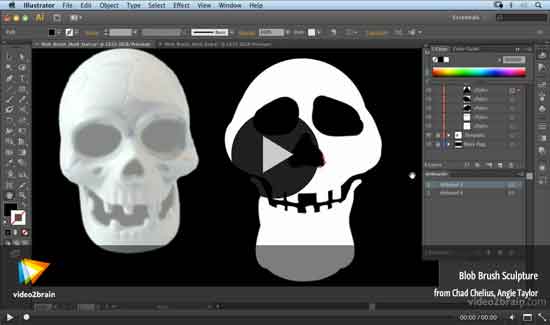
Halloween Video Tutorial
In this free Halloween Video Tutorial from the lovely, generous folks at video2brain, Angie Taylor shows how to use her Blob Brush Sculpture techniques to create a Skull in Adobe Illustrator.
-
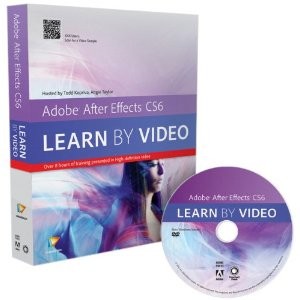
Review of After Effects CS6: Learn by Video
I found After Effects to be intimidating in spite of my strong Adobe Flash background but the Adobe After Effects CS6 Learn by Video training course from video2brain gave me a good solid base upon which to build. The authors Todd Kopriva and Angie Taylor share the instruction with Kopriva covering the technical aspects of…
-
Life as a Motion Graphic Designer
In my life as a motion graphic designer I’ve learned a few important lessons. In this interview with John Dickinson from Motionworks, I share my experiences in my career as an artist, author and motion graphic designer. I really enjoyed this interview. John is excellent at getting the best from his interviewees. I just felt…
-

Motion Graphics Webinar
Motion Graphics Webinar – Join Angie Taylor for an engaging, free webinar packed full of the best tips & tricks for Production Premium CS6.
-
Vibrant Vignette Presets for Sapphire
This week saw the release of my latest collection of Vibrant Vignette Presets for Sapphire. This collection features a weird and wonderful collection of vignettes in an attempt to prove that vignettes don’t always need to be black and circular.
-
Adobe After Effects CS6 – Learn by Video
Adobe After Effects is an incredibly deep and rich set of tools for creating motion graphics, manipulating movies, adding visual effects, and more. In this Learn by Video course, created in partnership with our friends at Peachpit Press, experts Todd Kopriva and Angie Taylor teach you how to make the most of this powerful software,…