Category: Tutorials
-
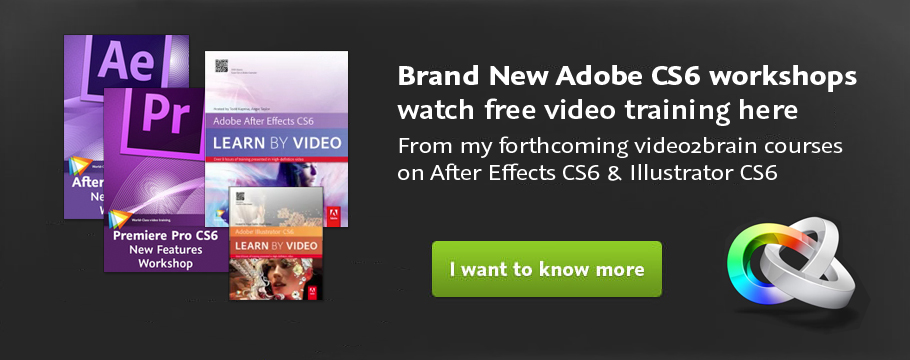
Adobe CS6 Software Training Videos
This week, to celebrate the launch of Adobe’s Creative Suite I’ve released a whole host of new Adobe CS6 software training videos from new and forthcoming workshops produced with video2brain. So now you know why I’ve been relatively quiet for the last couple of months! The workshops will be out very soon but meanwhile we…
-
Creative Graphic Design: Essential Typography
Making good decisions is essential in typography — choosing the right typefaces, fonts, sizes, spacing and so on — can have a major impact on the quality of your designs. In this one-of-a-kind workshop, art director, illustrator, and motion graphic designer Angie Taylor introduces you to the essential principles of typography. After exploring the terminology,…
-
Creative Graphic Design: Essential Typography
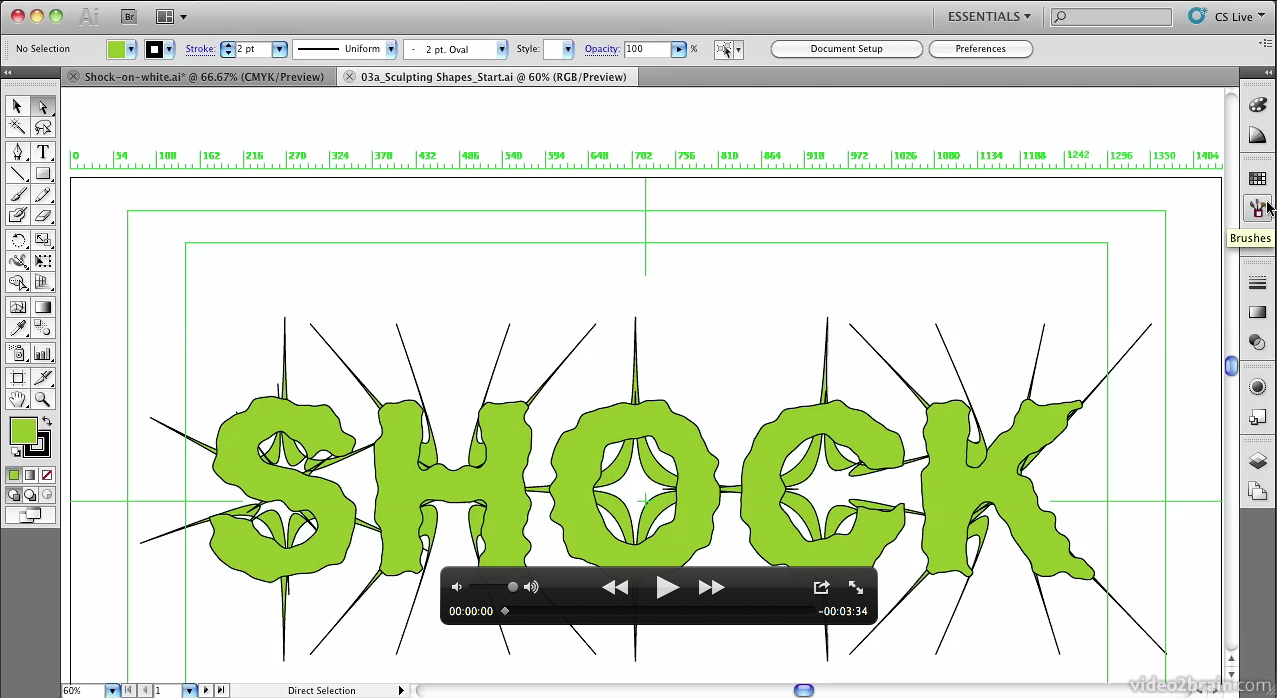
My new workshop, Creative Graphic Design: Essential Typography is due to be released next week, just in time for the festive season! The folks at video2brain have kindly allowed me to give my readers a sneak preview and access to one of the movies from this workshop so here it is. Master the Art of Arranging Text…
-

After Effects Light Wipe Tutorial
There was a a question today on Creative Cow about how to create a light wipe effect in After Effects. I wanted to help so I decided to put together a quick After Effects Light Wipe tutorial. This tutorial includes an After Effects project and an eight-minute video tutorial where I explain techniques used.
-

Font Links for Kinetic Typography
I recently published my Kinetic Typography Techniques for After Effects course. In it I used a wide selection of fonts that are freely downloadable from various websites, just to make sure everyone following the tutorial could get access to the same fonts. Unfortunately one of the websites I recommended is no longer in operation. Below…
-
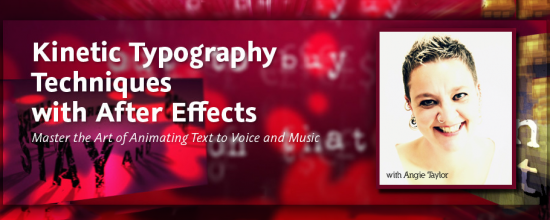
Kinetic Typography Techniques for After Effects
I was asked to create a workshop on Kinetic Typography techniques for Adobe After Effects by several people including the lovely people from video2brain who produced this epic workshop for me. I’d like to thank them all for their patience and professionalism throughout this long project! I’m pleased to say that I have finally finished…
-

FREE After Effects Stereoscopic 3D Workshop
In this week’s newsletter I’ll be giving away a complete workshop about using the Stereoscopic 3D workflow in After Effects CS5.5. That’s four chapters – a total of 16 training movies absolutely free to subscribers of my software tips and tricks newsletter. Sign up today to make sure you don’t miss out.
-

12 rules of animation
Digital Arts has featured – 12 Rules of Animation – an excerpt from my “Design Essentials for the Motion Media Artist” as their feature article this month. The article is now FREELY AVAILABLE on the Digital Arts website. Animation as we know it has been around since Horner invented the zoetrope in 1834. Since then animators…
-
Understanding Axis Modes
After Effects can be a difficult application to learn simply because it offers you so may options. Many of these options are not immediately apparent to users so they muddle through using default settings when a better solution may be available to them. My job is to point you in the direction of these hidden…
-
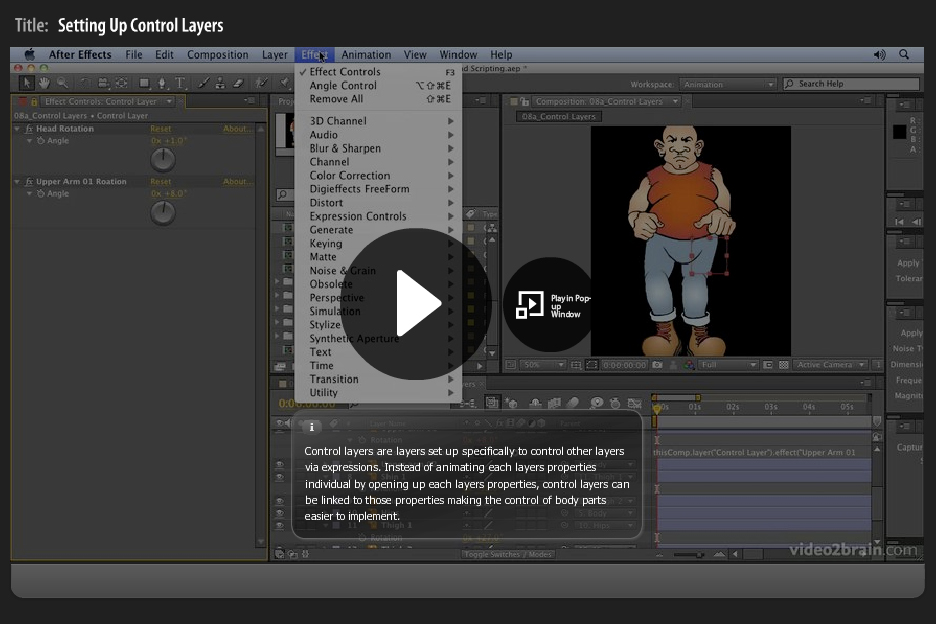
Control Layers in Adobe After Effects for character animation
I was asked a question during my After Effects Fundamentals course at The Bridge this wek. I was about how to use control layers in After Effects to adjust animation, using expressions. Funnily enough I’ve recently recorded a movie covering this exact technique so I just asked the guys at video2brain if they could unlock…
-
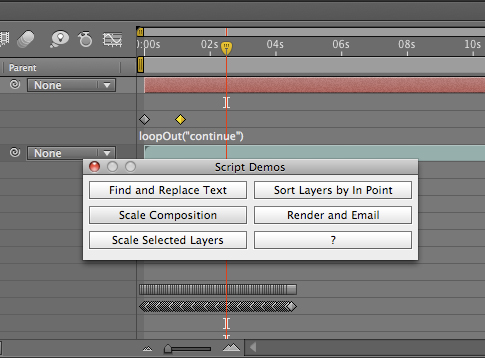
Uprezzing Comps
A question appeared on the Video Copilot website today about uprezzing old projects which can be a bit of a nightmare in AE. You can often find that layers positions get messed up and effects change appearance when you scale your comp. Some of the issues that you’ll come across are hard to avoid but…
-
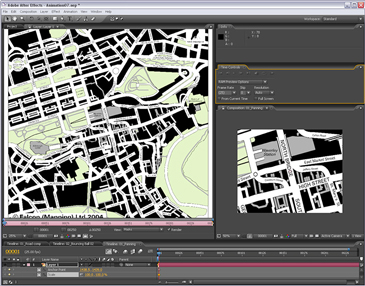
Animating a line drawn on a map – Indiana Jones Style
I contribute to the Creative Cow Basic After Effects forum (amongst others) where this question was posted recently; “Hi I am newish to after effects and I have created a old map effect that pans from the UK to africa now I want to add a red line that reveals like in the Indiana Jones…