Category: Tutorials
-
Getting Started with After Effects Expressions
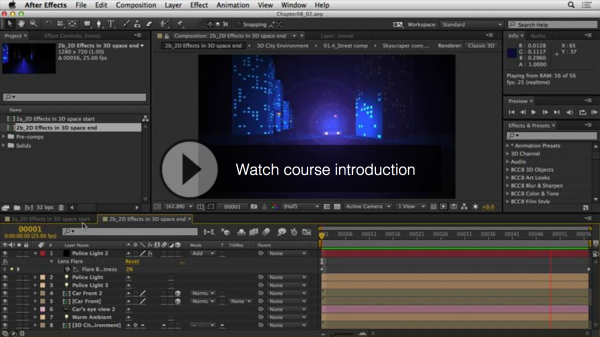
Getting Started with After Effects Expressions Even if you’re not comfortable with scripting or coding, you may still want to take a look at expressions. They are like little scripts that trigger changes to layer properties, and they can save you time, make your work more flexible, and open up new creative possibilities. In this…
-
Paper Folding Animation
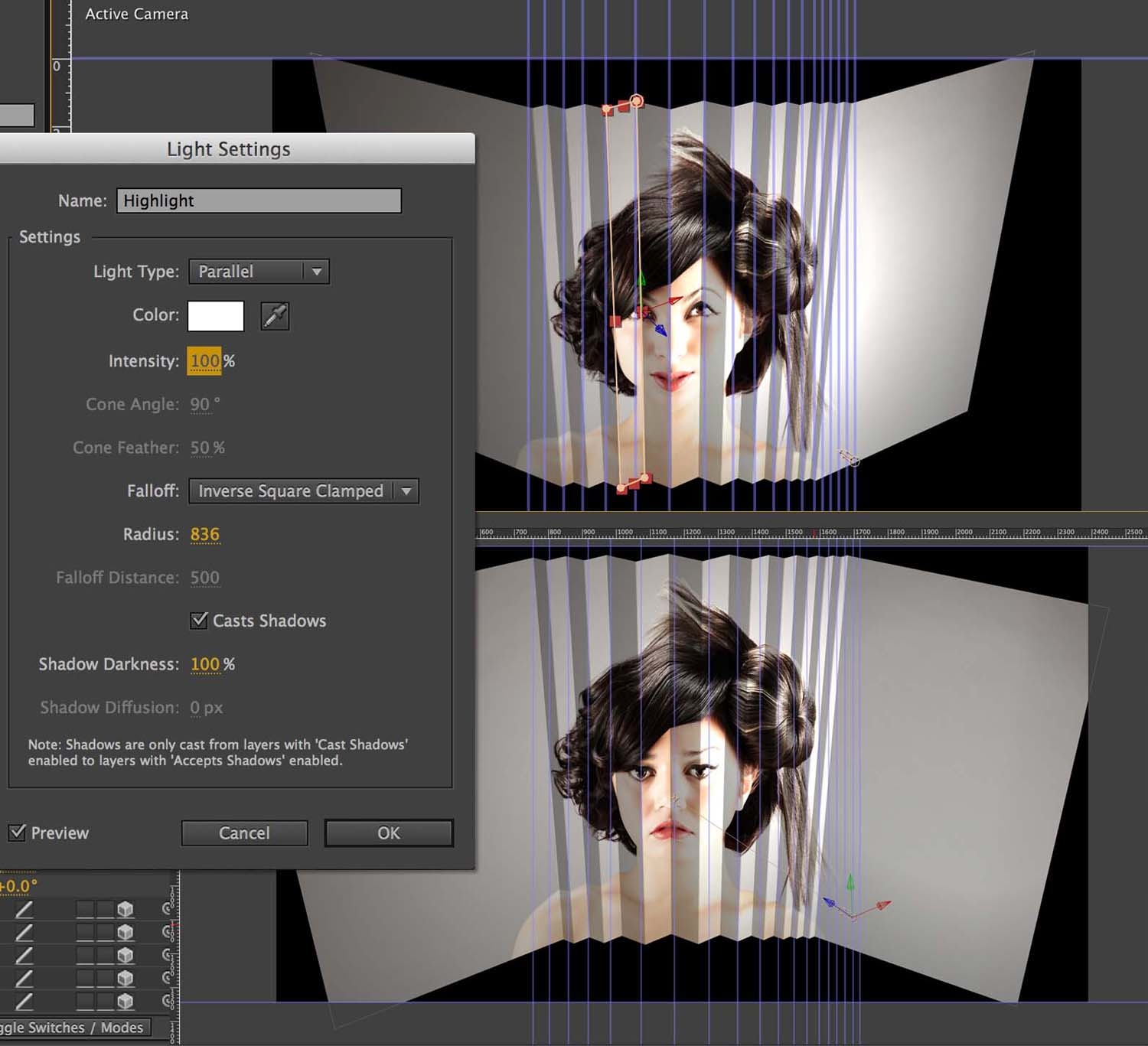
Approaches like this are really useful as they allow you to create footage and a quirky paper folding animation from very few source files. All I’ve used here are five images of these models – and one audio track. Here’s a three-part tutorial series that I’ve created at the Digital Arts website. Click on the…
-
Up and Running with Illustrator CS6
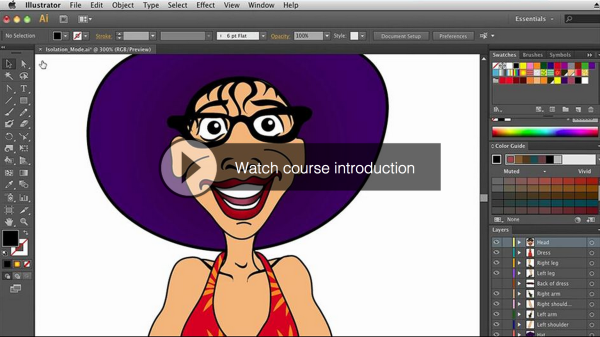
Up and Running with Illustrator CS6 In CS6 Adobe Illustrator is more powerful than ever before, and in this course Angie Taylor shows just how easy it can be to use. Get a tour of the interface, gain an understanding of the workflow, and be introduced to core techniques like working with artboards, understanding layers…
-
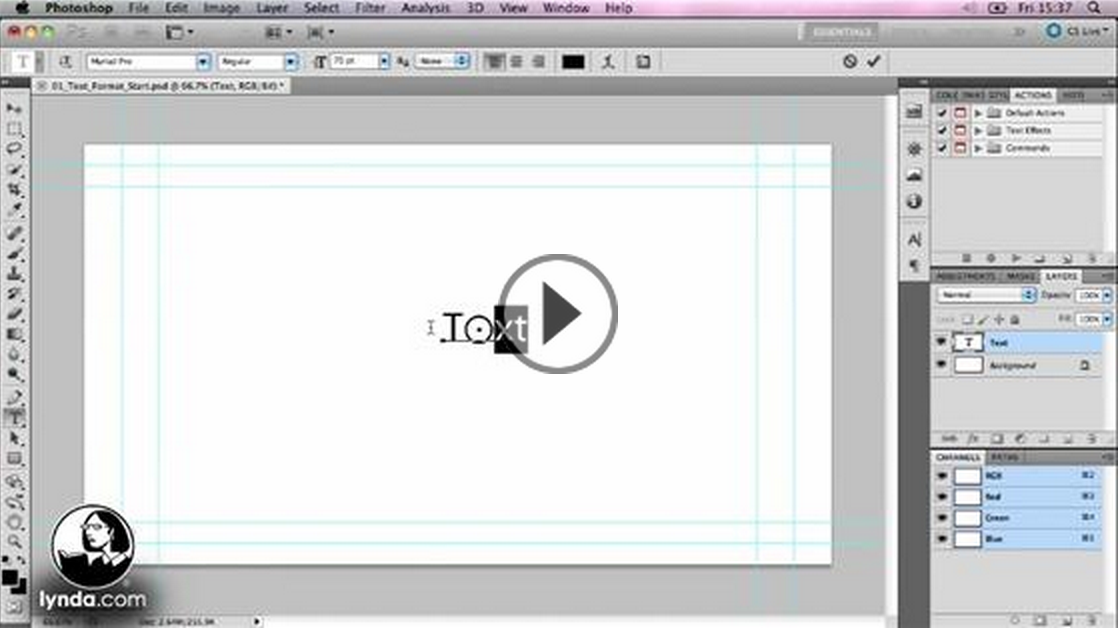
Kinetic Typography Techniques with After Effects
Kinetic Typography Kinetic typography is an art form that combines text and motion to express ideas in the form of animation designed to accompany spoken word or music. Join author, and motion graphic designer Angie Taylor as she shares her considerable knowledge of this form. Work along with her in this unique course as she…
-
Getting Started with After Effects Expressions
Expressions are like little scripts that trigger changes to layer properties, and they can save you time, make your work more flexible, and open up new creative possibilities. In this course, motion graphic designer Angie Taylor shows you how to make Adobe After Effects expressions work for you, starting with building expressions with the pick…
-
Software Training Courses with Lynda.com
I’m giving away a free seven-day trial subscription here. When you have a quiet week, sign up here and then pack as much training in as you can to get real value from this offer. Once you’ve benefitted from a week’s training then I’m sure you’ll see the benefit of a full-time, no holes barred…
-
After Effects Twitter Tips
After Effects Twitter Tips from Angie Taylor’s archive. Learn all sorts of useful tips and tricks in bite sized portions from an industry expert.
-
Model and Animate with Cinema 4D Lite
I’m just putting the finishing touches to my brand new course “Up and Running with Cinema 4D Lite”. Cinema 4D Lite now comes free with After Effects CC. I wanted to write a training course specifically aimed at After Effects users with little or no experience with 3D applications. It’s an accessible and comprehensive course…
-
Enhance Vimeo Videos Instantly
Vimeo’s new Looks Enhancer enhances Vimeo videos instantly with professional video effects. Try these new looks free on your videos for the next 30 days.
-
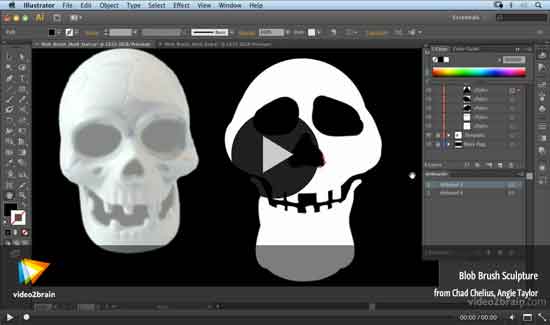
Halloween Video Tutorial
In this free Halloween Video Tutorial from the lovely, generous folks at video2brain, Angie Taylor shows how to use her Blob Brush Sculpture techniques to create a Skull in Adobe Illustrator.
-
Creative Graphic Design: Essential Typography
Making good decisions in typography — choosing the right typefaces, fonts, sizes, spacing and so on — can have a major impact on the quality of your designs. In this one-of-a-kind workshop, art director, illustrator, and motion graphic designer Angie Taylor introduces you to the essential principles of typography.
-
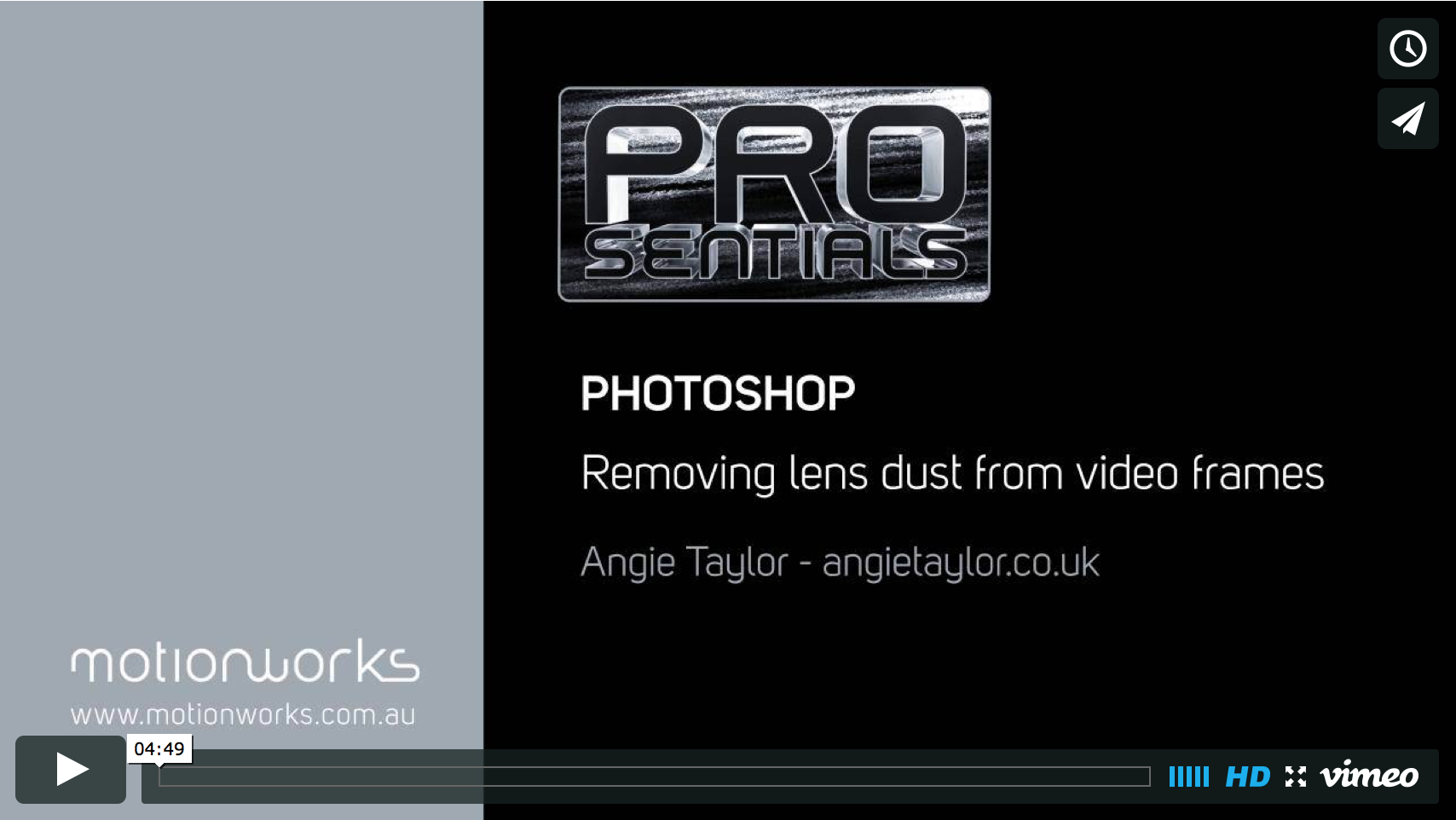
Example of Angie’s Photoshop Tutorials
I was very pleased to be invited by John Dickinson to create a Prosentials video tip for Motionworks. This tip is for Photoshop CS6 and demonstrates how to removing dust from video frames. I’d love to hear what you think of my first Prosentials tip so please add comments. I recorded this tutorial at my…