Author: Angie Taylor
-

Happy Holidays After Effects Presets
So here is an After Effects project, complete with custom artwork. It contains some interesting techniques to help add a little festive cheer to your seasonal animations. All the effects used are native After Effects plug-ins so no extra software is required and it was created in After Effects CS4 so can be opened in…
-
Bargains & “Free Stuff” for Designers
There are bargains & “free stuff” for designers and VFX artists right now in the Holiday sales. I know that may of my readers are students and professionals who are just starting out in their career. Many of you may not be able to afford the full cost of commercial software so these sales give…
-
“Style Eyes” – Genarts Sapphire Preset Collection
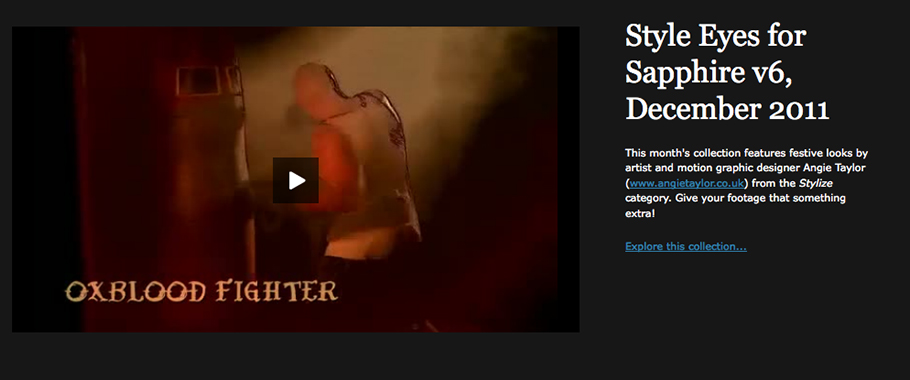
I’m pleased to announce “Style Eyes” my latest Sapphire preset collection of 25 free presets from the Stylize category of the plug-ins for After Effects and other hosts. Give your footage that something extra! Pre-defined looks designed for music videos, outdoor locations, sport and weddings. Includes “Rubber Nightvision” inspired by a job that I worked on…
-
Creative Graphic Design: Essential Typography
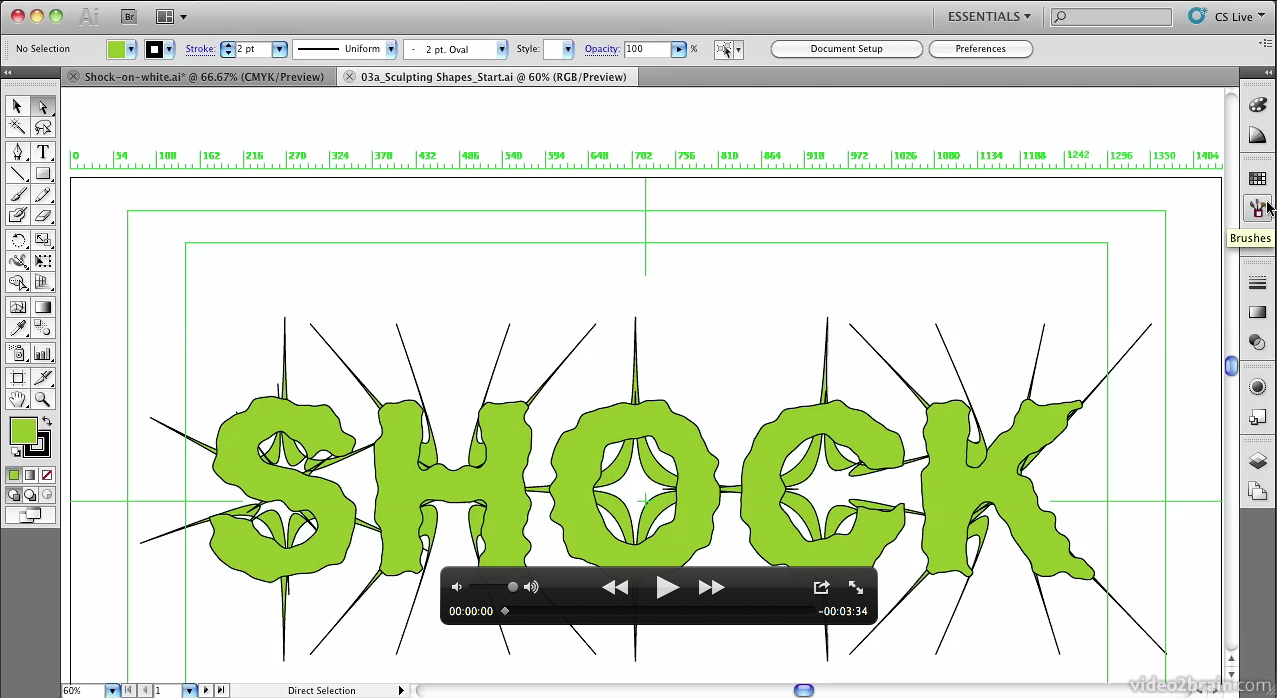
My new workshop, Creative Graphic Design: Essential Typography is due to be released next week, just in time for the festive season! The folks at video2brain have kindly allowed me to give my readers a sneak preview and access to one of the movies from this workshop so here it is. Master the Art of Arranging Text…
-
Tip of the Week
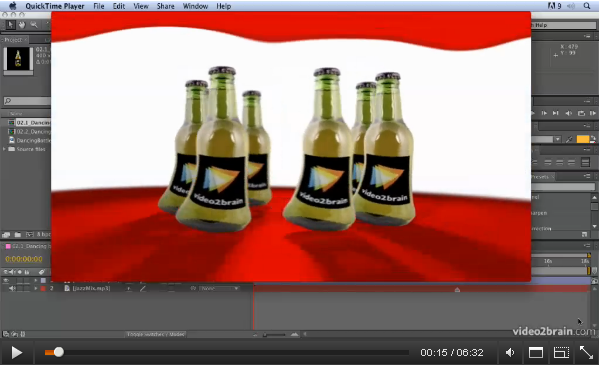
Animating Characters with the Puppet Tool from: Adobe After Effects CS5: Learn by Video. Welcome to this week’s Tip of the Week feature in a brand new video format. After Effects has great tools for character animation called the Puppet tool. The Puppet Pin tool places a mesh over your footage using the alpha channel.…
-
Something’s happening in Europe!
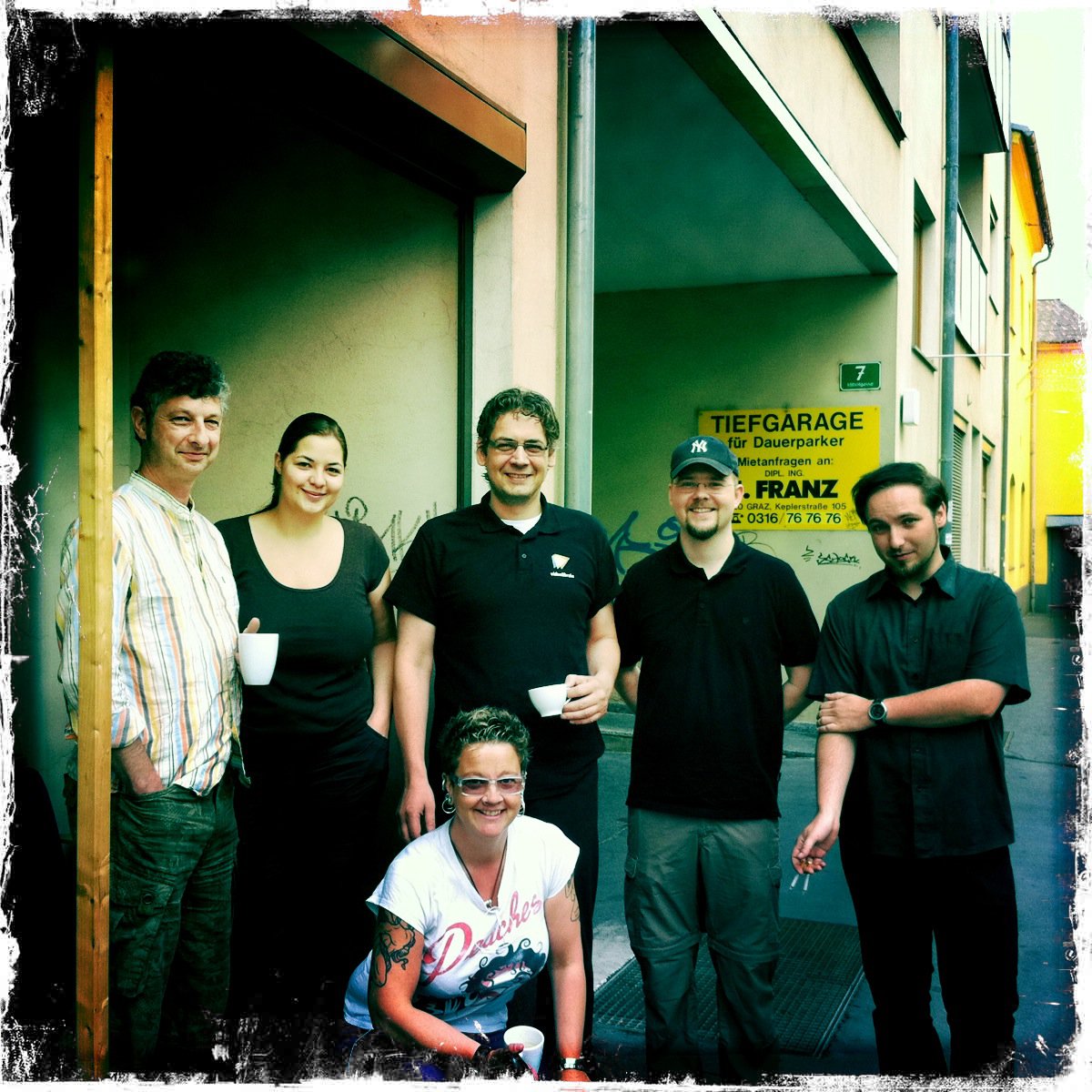
2011 marks another great landmark for video2brain which will be announced this week. I wish I could tell you now but my lips are sealed. All I can say is please keep an eye on the countdown on our video2brain website. And if you want to get an idea about the kind of video training…
-

After Effects Light Wipe Tutorial
There was a a question today on Creative Cow about how to create a light wipe effect in After Effects. I wanted to help so I decided to put together a quick After Effects Light Wipe tutorial. This tutorial includes an After Effects project and an eight-minute video tutorial where I explain techniques used.
-
Typography Video Training
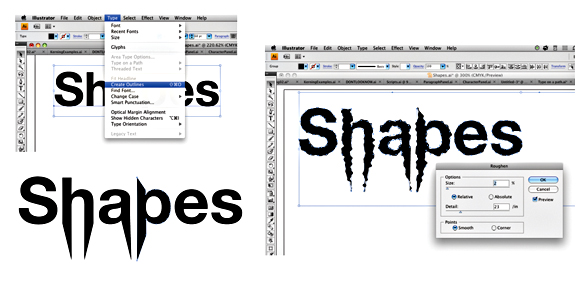
Creative Graphic Design: Essential Typography is a workshop on the principles of designing with text. I’ve just finished recording my latest typography video training workshop with the fantastic team at video2brain. It’s a workshop with a difference. If you want the salient points delivered to you quickly so you can get on with your work.…
-
Wacom Masterclasses
I’m pleased to announce the release last week of the new Wacom Masterclass series of workshops. I’ve worked with Wacom tablets for years and love the creative flexibility they provide to my work. In these tutorials I share some of the techniques I’ve learned over the years. If you want to check out some free…
-
Free Blood Splatter Preset for Halloween!
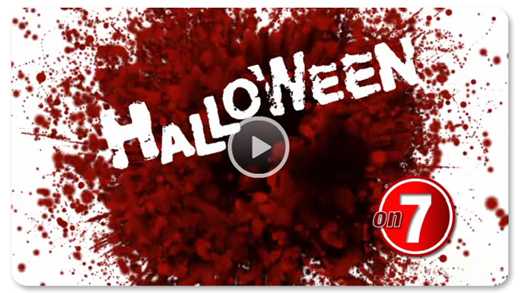
This free After Effects preset features a complete After Effects Project containing a graphic design idea for a TV Ident. It features a graphic, stylised blood splat made with Trapcode Particular. The blood particles use a light emmitter and bounce against a layer used as a Wall. The blood “bleeds” around the text to reveal…
-

Font Links for Kinetic Typography
I recently published my Kinetic Typography Techniques for After Effects course. In it I used a wide selection of fonts that are freely downloadable from various websites, just to make sure everyone following the tutorial could get access to the same fonts. Unfortunately one of the websites I recommended is no longer in operation. Below…
-
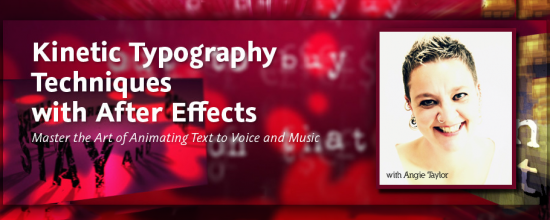
Kinetic Typography Techniques for After Effects
I was asked to create a workshop on Kinetic Typography techniques for Adobe After Effects by several people including the lovely people from video2brain who produced this epic workshop for me. I’d like to thank them all for their patience and professionalism throughout this long project! I’m pleased to say that I have finally finished…