Author: Angie Taylor
-
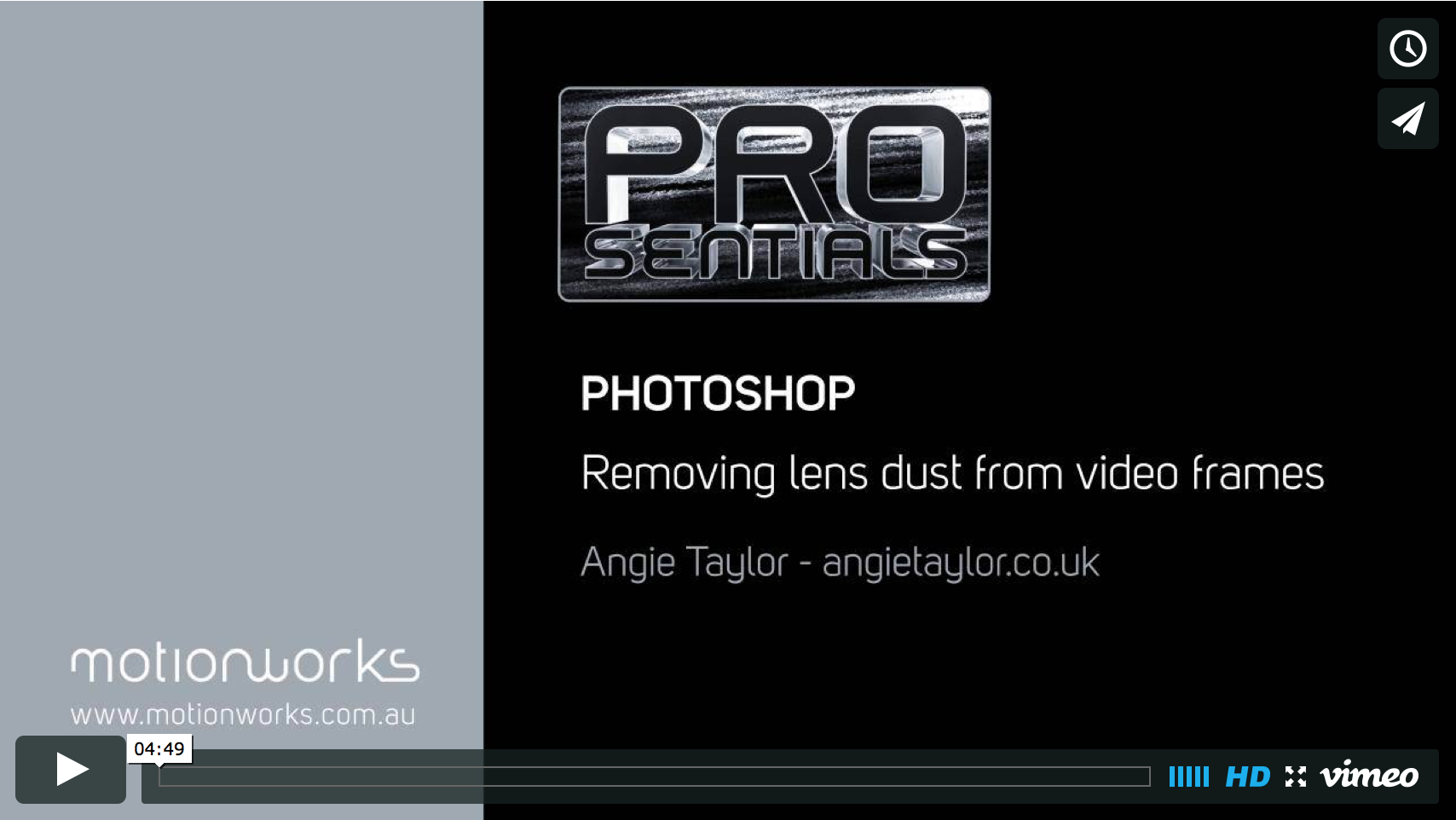
Example of Angie’s Photoshop Tutorials
I was very pleased to be invited by John Dickinson to create a Prosentials video tip for Motionworks. This tip is for Photoshop CS6 and demonstrates how to removing dust from video frames. I’d love to hear what you think of my first Prosentials tip so please add comments. I recorded this tutorial at my…
-
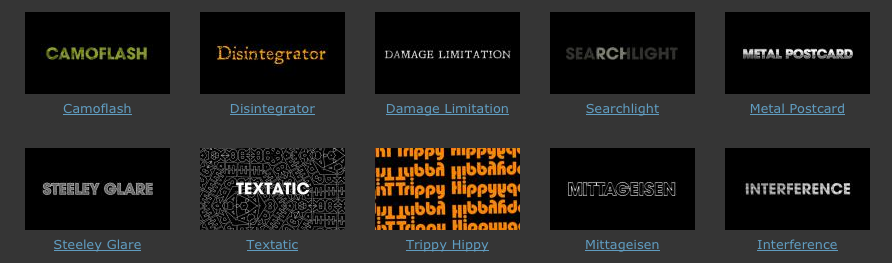
Textonomy Presets for Sapphire Edge
My brand new Textonomy Presets for Sapphire Edge are now available from the Genarts FX Central Website. OK, sometimes you need text, but no-one says it has to be boring. These ten effect presets, designed for text will have your viewers sitting up and taking notice. Camoflash A Camouflage-style of pattern is applied to text…
-

Motion Graphics Webinar
Motion Graphics Webinar – Join Angie Taylor for an engaging, free webinar packed full of the best tips & tricks for Production Premium CS6.
-
Vibrant Vignette Presets for Sapphire
This week saw the release of my latest collection of Vibrant Vignette Presets for Sapphire. This collection features a weird and wonderful collection of vignettes in an attempt to prove that vignettes don’t always need to be black and circular.
-
Adobe After Effects CS6 – Learn by Video
Adobe After Effects is an incredibly deep and rich set of tools for creating motion graphics, manipulating movies, adding visual effects, and more. In this Learn by Video course, created in partnership with our friends at Peachpit Press, experts Todd Kopriva and Angie Taylor teach you how to make the most of this powerful software,…
-
Illustrator CS6 – Learn by Video
This Learn by Video course offers in-depth training on the interface, workflow, and features of Adobe Illustrator CS6. Amongst other things you’ll learn my own techniques for drawing characters including my “Illustrator” superhero. Here’s the intro movie where I tell you more about the course.
-
Adobe CS6 Software Training Videos
This week, to celebrate the launch of Adobe’s Creative Suite I’ve released a whole host of new Adobe CS6 software training videos from new and forthcoming workshops produced with video2brain. So now you know why I’ve been relatively quiet for the last couple of months! The workshops will be out very soon but meanwhile we…
-
After Effects CS6 New Feature Highlights
Well, it’s finally been announced and I can talk about it, my After Effects CS6 new feature highlights. My dear friends at Adobe have once again pulled it off and produced a great update to my favorite software application – After Effects CS6! Rather than bombard you with loads of text I’ve created a movie…
-

Chocolate Flavored After Effects Presets
As a special Easter treat I’ve created a set of free, chocolate flavored After Effects presets for the readers of my blog and newsletter, I hope you enjoy them. Here’s a little taster of what’s included in the pack. The download link is below the preview movies.
-
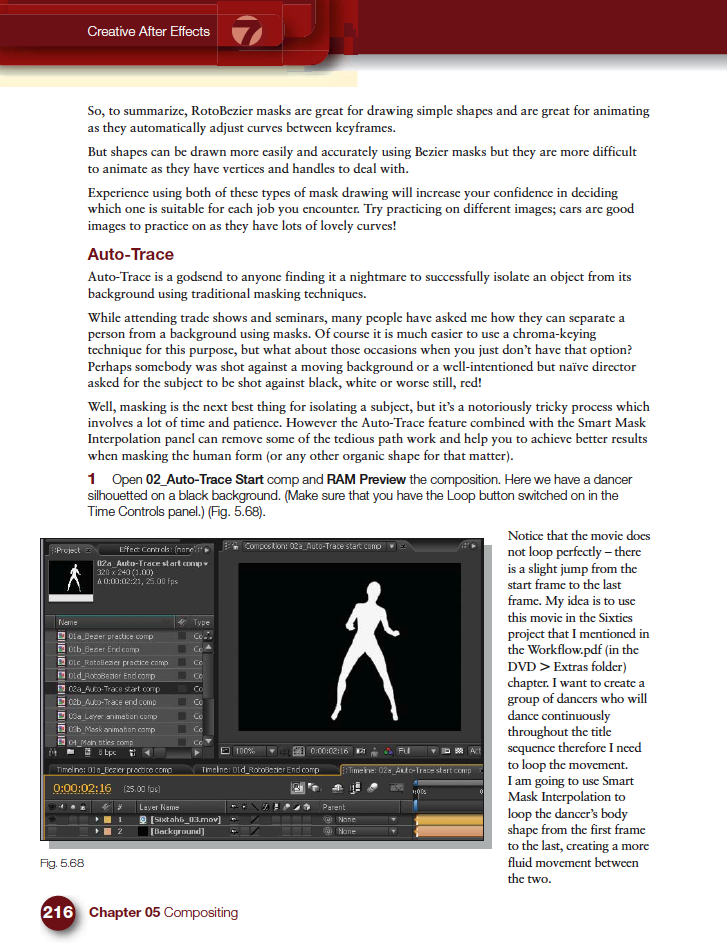
Mask Interpolation Tips
Masking is one of the features of After Effects that I get asked about the most during my After Effects training courses. People seem to have lots of problems animating masks in After Effects and I’ve noticed a few forum questions about it recently so I thought I’d provide some quick mask interpolation tips and links…
-
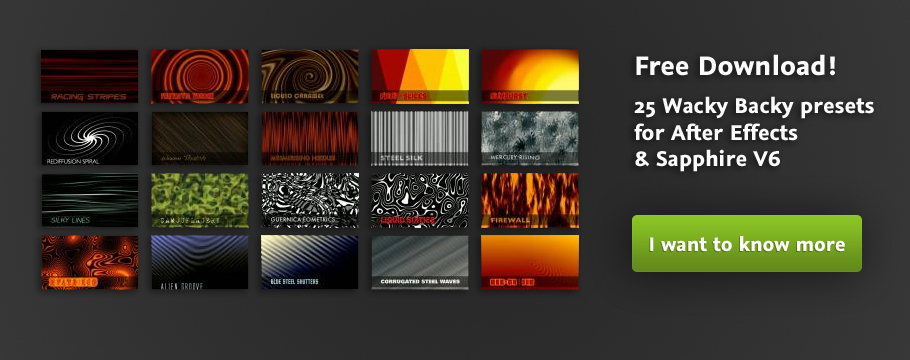
Free After Effects Preset Collection
“Wacky Backy” is my free After Effects preset collection for Sapphire V6. It is now freely available to download from Genarts FX Central. These animated backgrounds have a slightly wacky quality and can be used freely in your own creative projects.
-
Creative Graphic Design: Essential Typography
Making good decisions is essential in typography — choosing the right typefaces, fonts, sizes, spacing and so on — can have a major impact on the quality of your designs. In this one-of-a-kind workshop, art director, illustrator, and motion graphic designer Angie Taylor introduces you to the essential principles of typography. After exploring the terminology,…