Category: Uncategorized
-
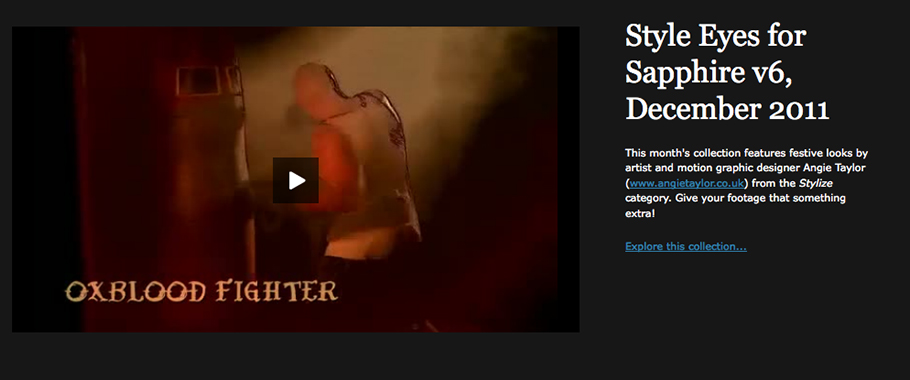
“Style Eyes” – Genarts Sapphire Preset Collection
I’m pleased to announce “Style Eyes” my latest Sapphire preset collection of 25 free presets from the Stylize category of the plug-ins for After Effects and other hosts. Give your footage that something extra! Pre-defined looks designed for music videos, outdoor locations, sport and weddings. Includes “Rubber Nightvision” inspired by a job that I worked on…
-
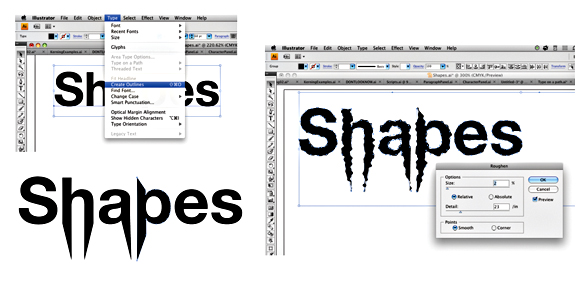
Typography Video Training
Creative Graphic Design: Essential Typography is a workshop on the principles of designing with text. I’ve just finished recording my latest typography video training workshop with the fantastic team at video2brain. It’s a workshop with a difference. If you want the salient points delivered to you quickly so you can get on with your work.…
-
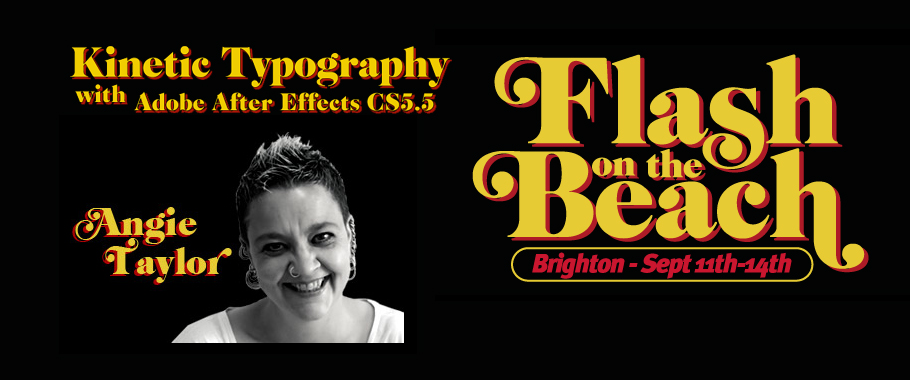
Speaking at Flash on the Beach 2011
I was very pleased to get a call from John Davey, the organiser of the amazingly successful and entertaining “Flash on the Beach 2011” conference, asking me to speak at his event. It’s an annual conference, held in my home town of Brighton. Bringing together the best designers, developers and minds in the Flash, design…
-
NAB 2011 Report
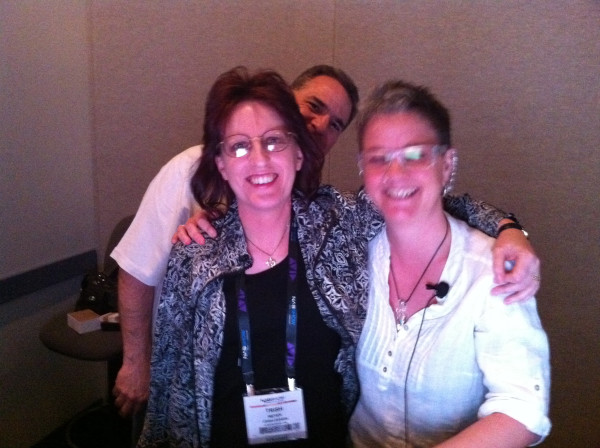
Well, here I am, back in the UK after an exhausting trip to Las Vegas to attend NAB 2011. I was speaking at the Post Production World Conference which I’m pleased to say was busier than ever. My sessions were very well attended and I met some great new people who gave me the…
-
Speaking at Production Fiesta 2011
For those of you who can’t make it to NAB 2011 in Las Vegas this year there’s some good news! I’ll be delivering some of my sessions from the NAB Post Production World Conference here in London at the Post Production World Conference“>Production Fiesta on the 5th and 6th of May. There will also be…
-

Speaking at NAB 2011 Post Production World Conference
I’m very excited to be traveling back to Las Vegas this year to attend NAB 2011. I’ve been invited to speak at this year’s Post Production World Conference. Here’s a list of the sessions I’ll be delivering at this years conference. I hope to see many of you there. If you’d like to book a…
-
2D character animation in After Effects
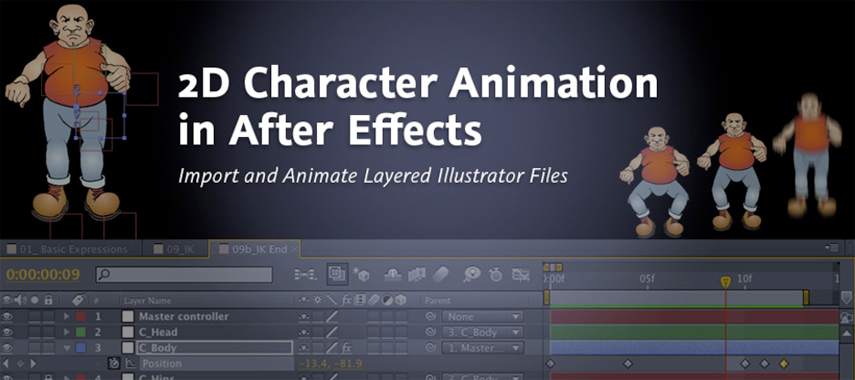
In her career as an animator, Angie Taylor has developed some powerful techniques for creating quick but compelling 2D animation, and in this workshop she shares those secrets with you. You’ll learn how to import layered files and paths from Illustrator into After Effects and how to animate flat vector artwork in both 2D and…
-
A busy After Effects week
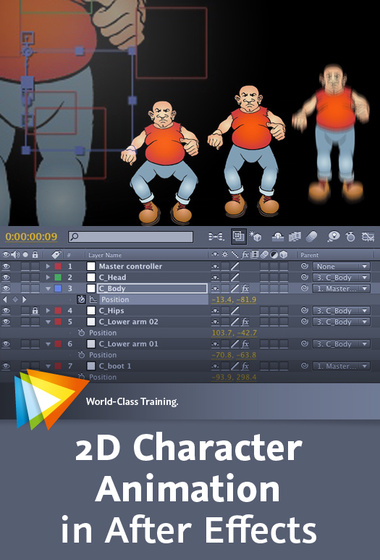
Tweet Wow, what a busy week. I’ve just finished the first day of Broadcast Video Expo 2011 where I’ve been presenting After Effects and the Production Premium workflow on the Adobe booth. It’s been great being back with the Adobe UK team again and seeing lots of friendly faces. I’ve also got a brand new…
-
Uprezzing Comps
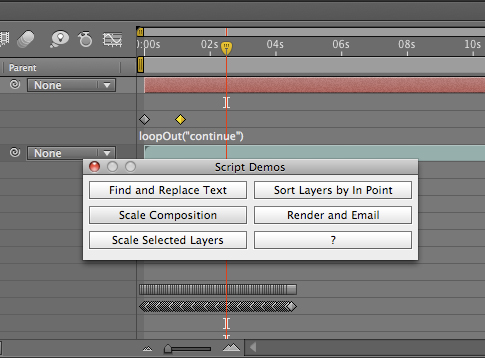
A question appeared on the Video Copilot website today about uprezzing old projects which can be a bit of a nightmare in AE. You can often find that layers positions get messed up and effects change appearance when you scale your comp. Some of the issues that you’ll come across are hard to avoid but…
-
Animating a line drawn on a map – Indiana Jones Style
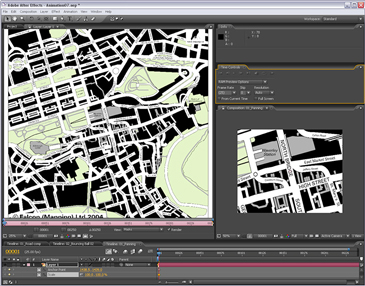
I contribute to the Creative Cow Basic After Effects forum (amongst others) where this question was posted recently; “Hi I am newish to after effects and I have created a old map effect that pans from the UK to africa now I want to add a red line that reveals like in the Indiana Jones…
-
Basics on Solids in Adobe After Effects
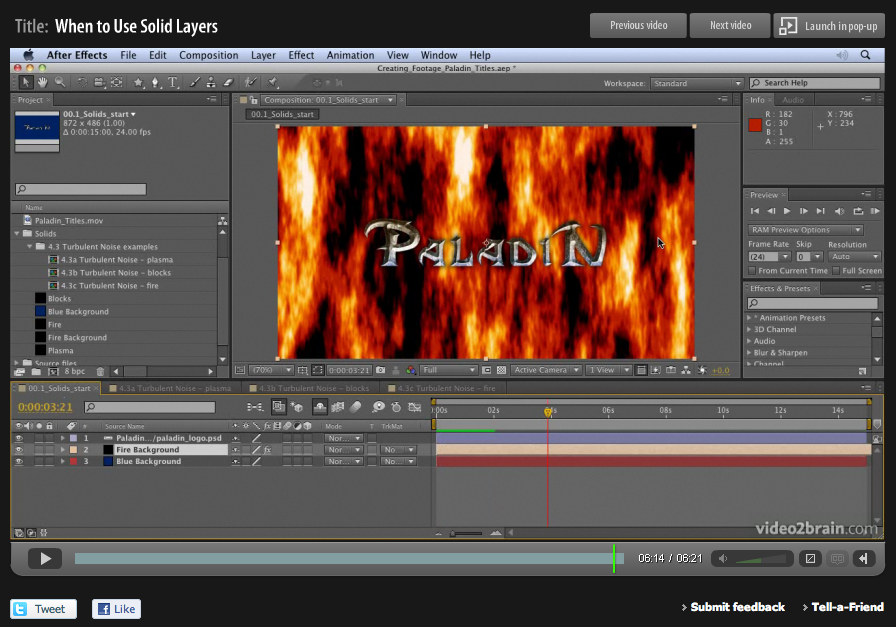
When designing motion graphics in Adobe After Effects there are times you just need to create a plain old layer to apply effects to. Solids are just right for this purpose, and for lots of other uses in After Effects. This video is aimed at a basic level. It shows you how to create solid-color layers…
-
Tip: Wrapping text around a circle in After Effects
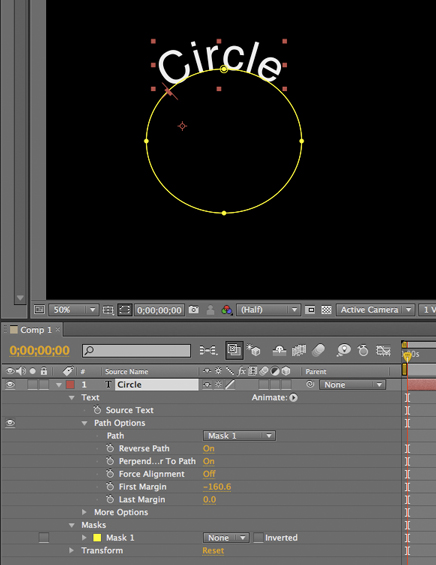
I saw a post on the After Effects mailing list today asking how to wrap text around a circle in After Effects. Here’s how it’s done; 1) Create a text layer with the text you want. 2) Select the layer and then, with the Ellipse tool, draw a circular Mask on the Text layer. 3)…